Azure AI Bot Service is a cloud platform to build, test, deploy, and manage intelligent bots that interact across channels like Microsoft Teams, Slack, and web chat.
Required Azure Role
Either one of these built-in roles (or a custom role with equivalent permissions):
- Owner — full access including role assignments
- Contributor — manage resources (no role assignments)
If role assignment is needed with Contributor, also grant User Access Administrator.
Azure Administration Tools / Interface
This guide uses the Azure Portal and a manual creation process.
Create and Manage Steps (Azure Portal)
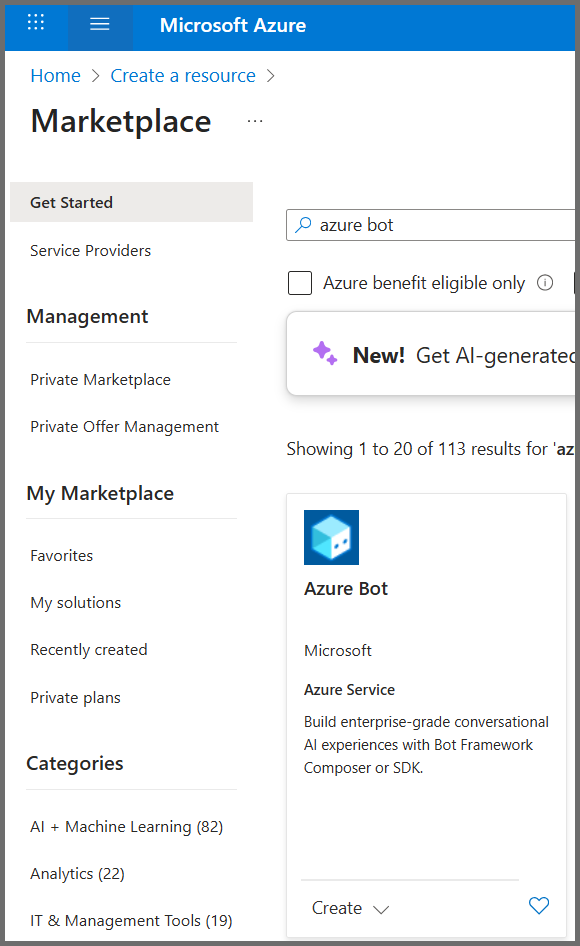
- Click Create a resource, search for Azure Bot, and click Create.
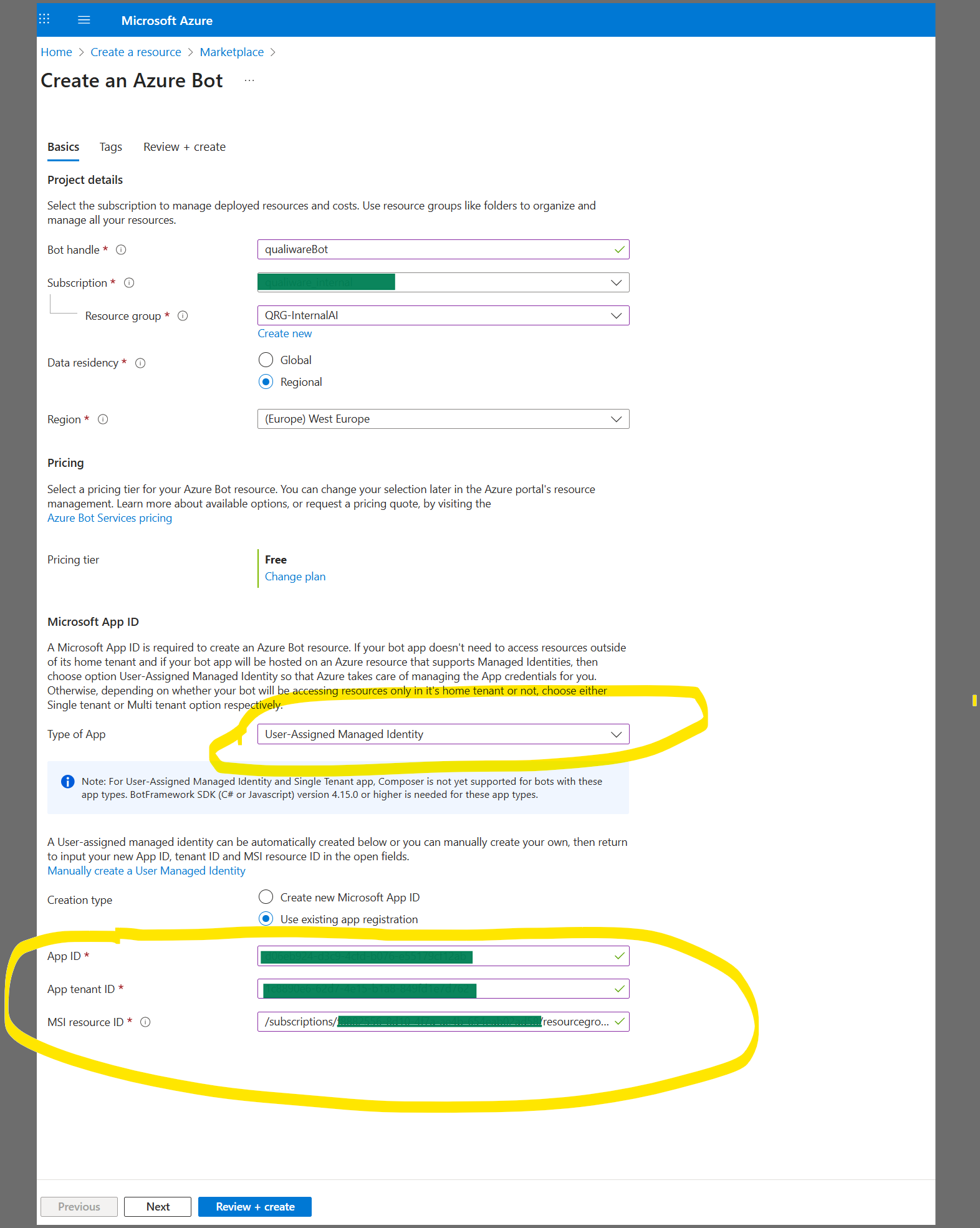
- Define the bot configurations and link a Managed Identity for authentication.
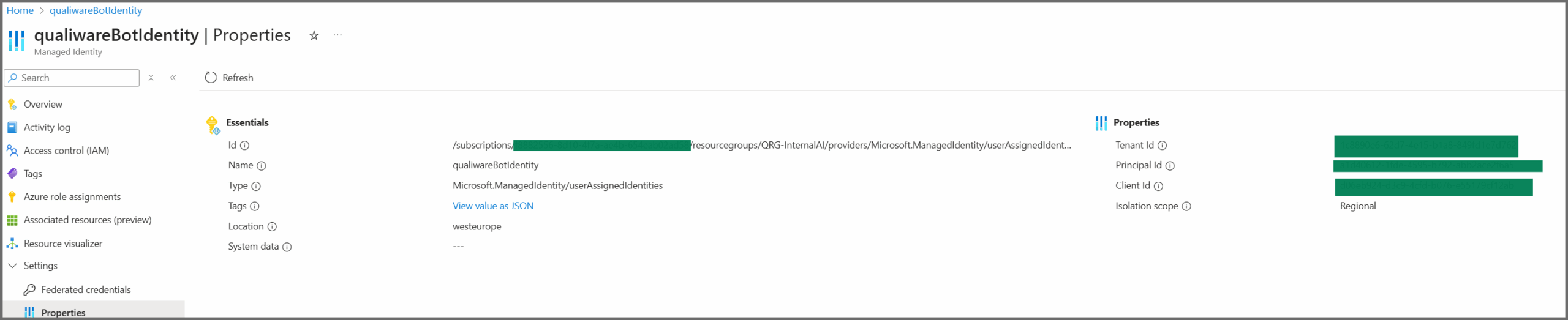
- Use the App ID, App Tenant ID, and MSI Resource ID from your Managed Identity properties.
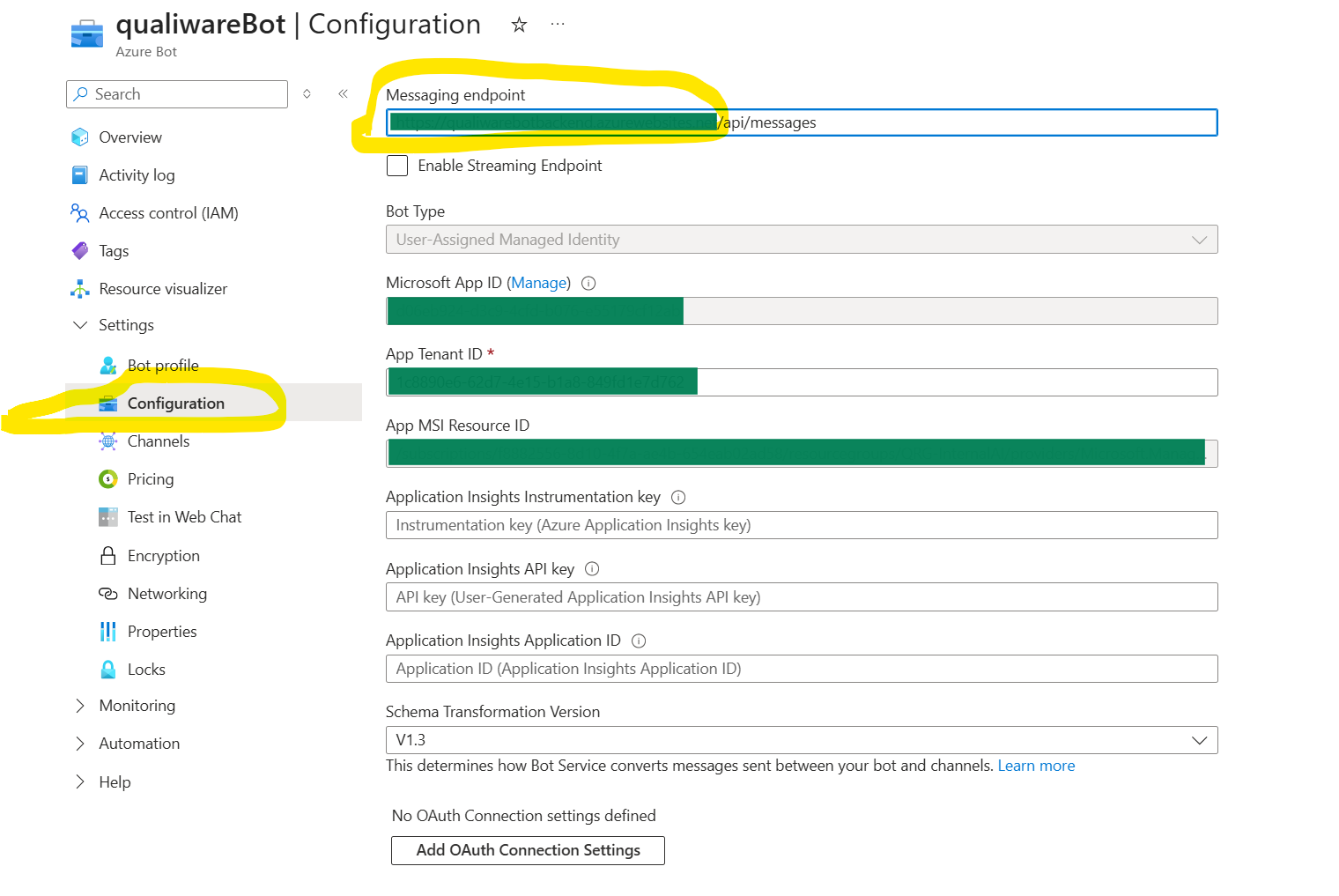
- Navigate to Settings and select Configuration, as shown in the image below. Add the Messaging Endpoint as illustrated. The Messaging Endpoint is formed by combining the Azure Bot backend App Service hostname with the /api/messages path. This endpoint is the same as the one used for QualiChat.