The ContingencyPlan template is used to manage and plan contigency against a BusinessImpactAnalysis-Element, as part of the Business Continuity Management solution in QualiWare, first introduced in QualiWare 10.3.
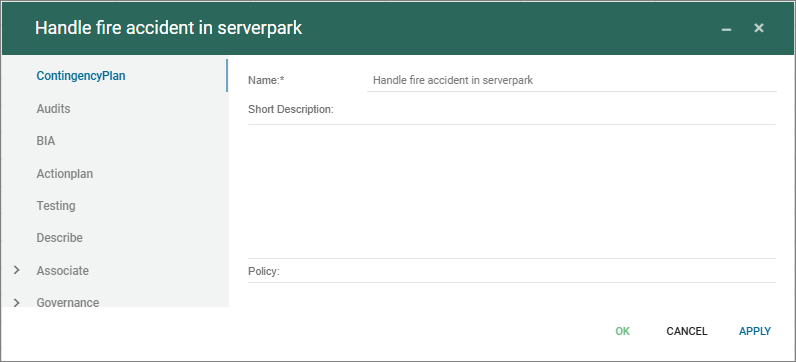
The ContingencyPlan template is used to manage and plan contigency against a BusinessImpactAnalysis-Element, as part of the Business Continuity Management solution in QualiWare, first introduced in QualiWare 10.3.
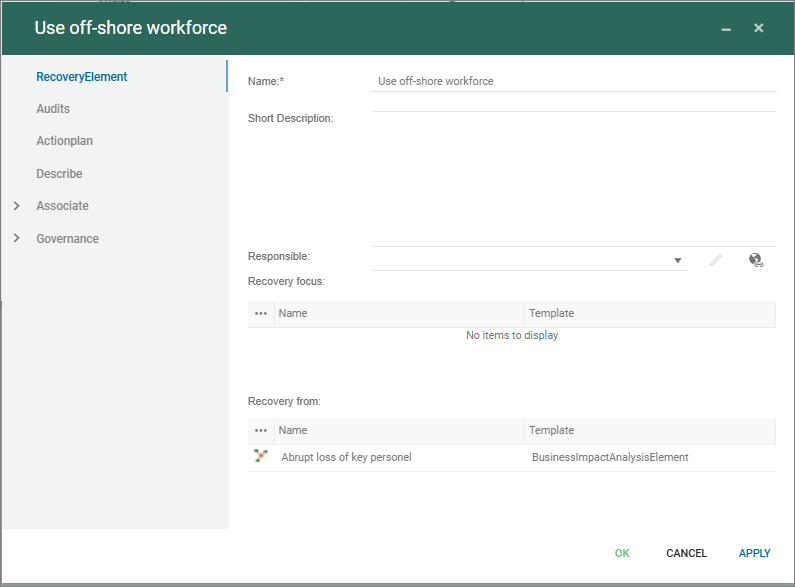
The RecoveryElement is used to detail recovery against a BusinessImpactAnalysis-Element, as part of the Business Continuity Management solution in QualiWare, first introduced in QualiWare 10.3.
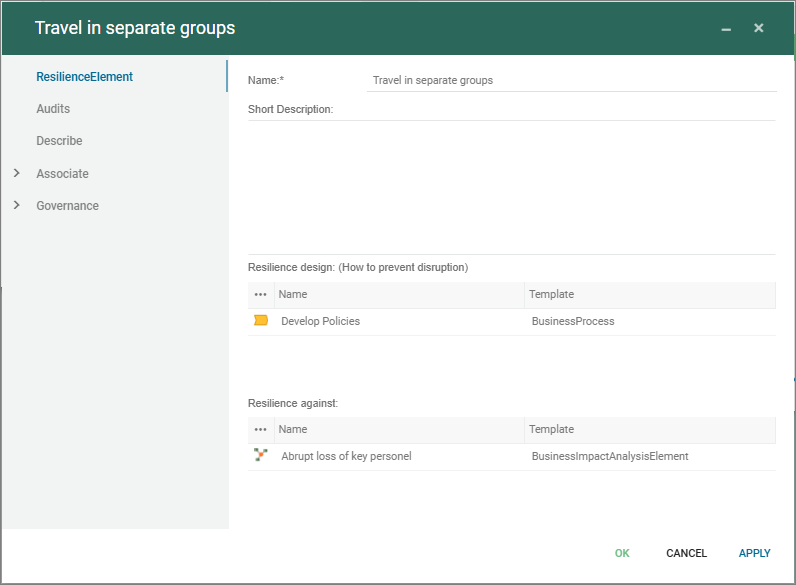
The ResilienceElement is used to described resilience against a BusinessImpactAnalysis-Element, as part of the Business Continuity Management solution in QualiWare, first introduced in QualiWare 10.3.
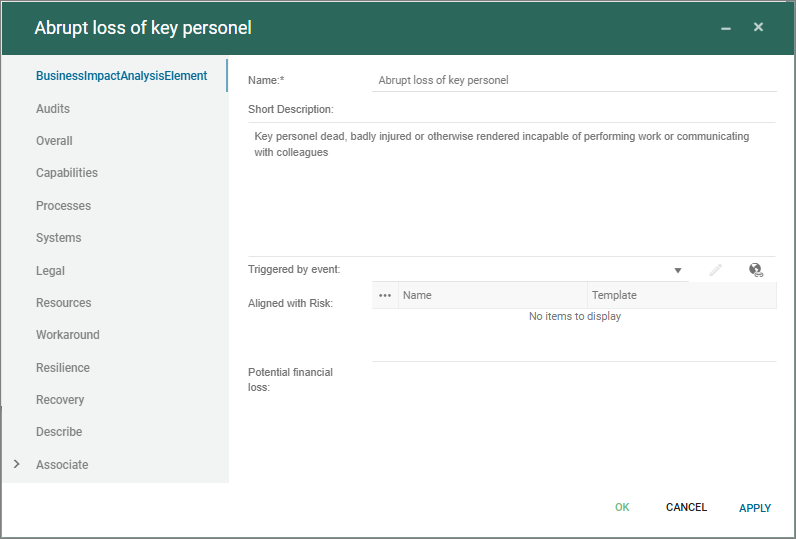
The BusinessImpactAnalysisElement is a central template in the Business Continuity Management solution in QualiWare, first introduced in QualiWare 10.3.
The BIA-element handles the “What can go wrong”-view and is split into three focus areas supporting the strategic view, the process view and the technology view. In addition legal elements and afffected ressources can be mapped to the element.
Workaround can be described in the element, and furthermore the resilience, recovery and contigency can be managed and linked through the dedicated templates:
Description of this template will be available soon.
Description of this template will be available soon.
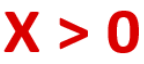
Assertions represents claims, for example by management, regarding risks, action plans and accounts. The Assertion can be linked to Accounts and Control Activities. They are linked to risks through Control Activities, which represents the risk’s remedial action plans.
The Assertion can be described using its description field.

The purpose of the Account template is to enable Financial Risk Management as documented in the Account Context Diagram.
The Account can in its properties be described with:
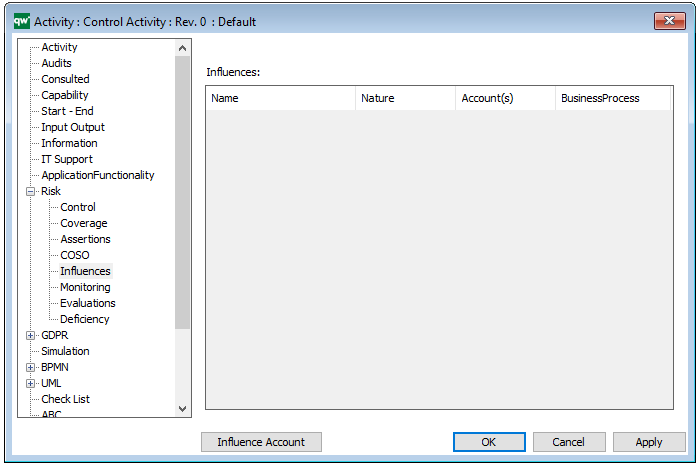
The template can without graphics be linked to other objects under the “Risk – Influences” tab in their properties:
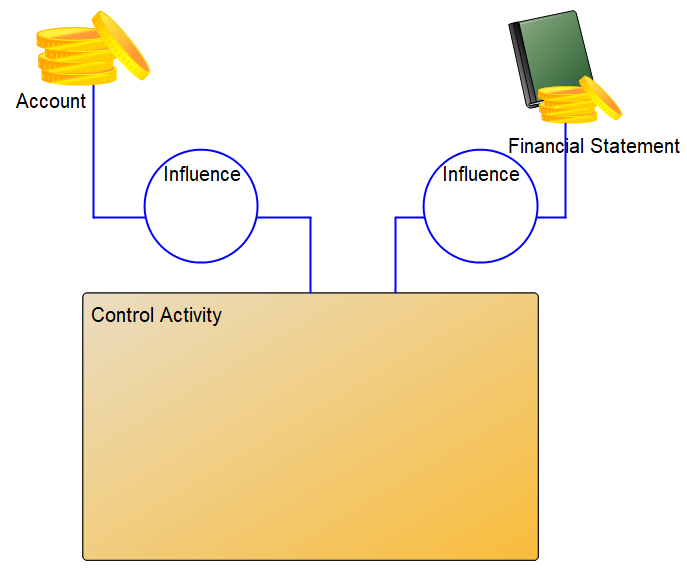
As such, the Account template is linked to objects the same way as the Financial Statement template:
The Purpose of the Control Deficiency template is to register a shortcoming of a Control Activity.
The Control Deficiency is used for managing Risk. It can be described with:
The Recommended action can also be registered in the form of a Corrective Action.

The Risk template is used for Risk Management purposes and can be linked to all objects in the repository. The Risk template supports the evaluation and continuous handling of the risk.
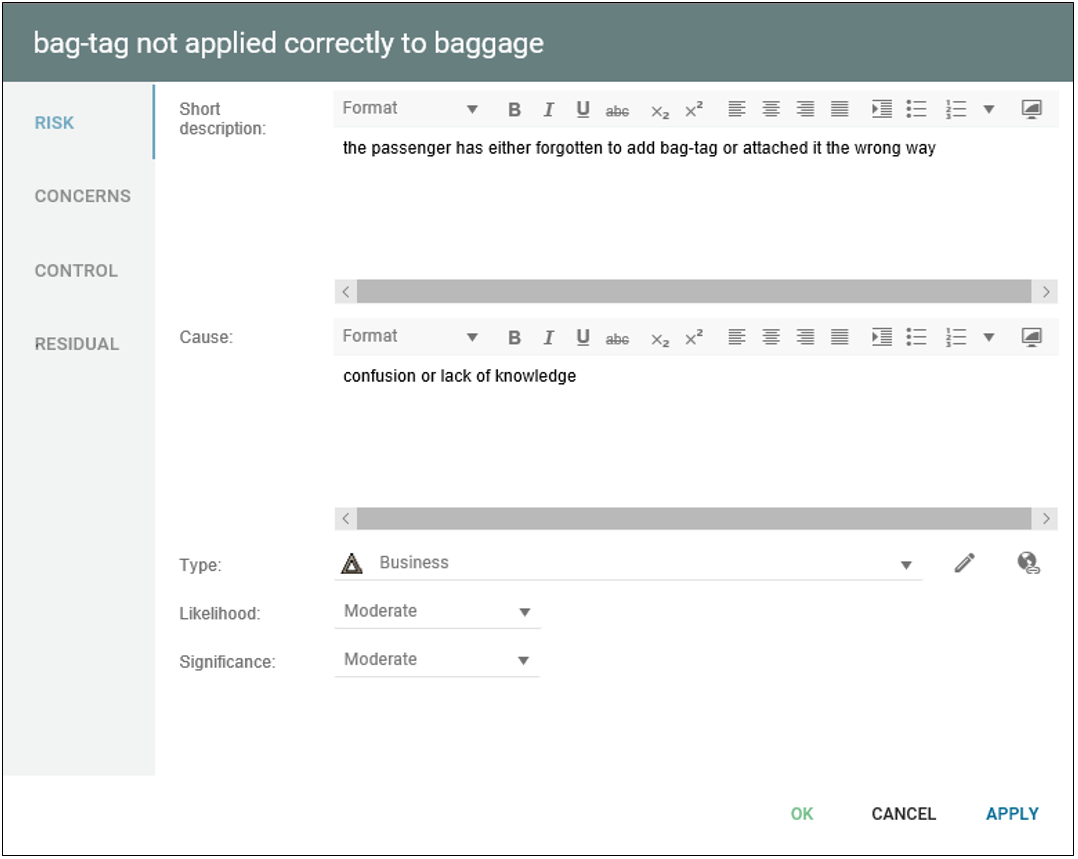
The Risk can be scored manually on its main tab: “Risk”, where it can also be given a Short Description, Type and Cause:
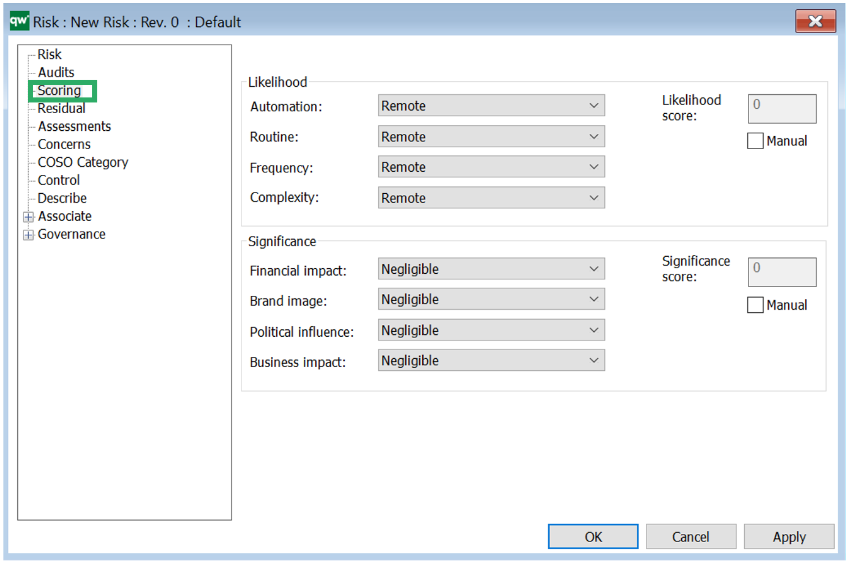
If you want to score the risk according to more specific categories, you can do so in under the Scoring tab:
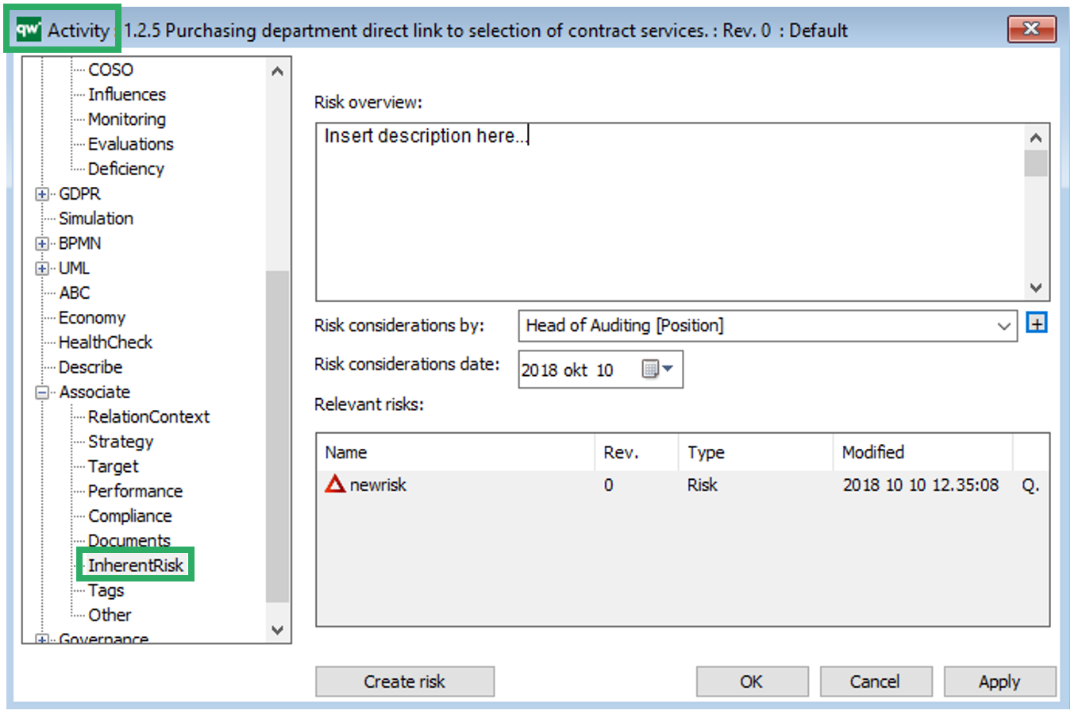
You link a risk to the activity it concerns under the “Concerns” tab. Once it has been inserted here, the risk will appear as a “backwards relation” to the Activity. You can also create the risk from the activity and create the backwards relation automatically by using the inherent risk tab on the Activity and click on “Create risk”:
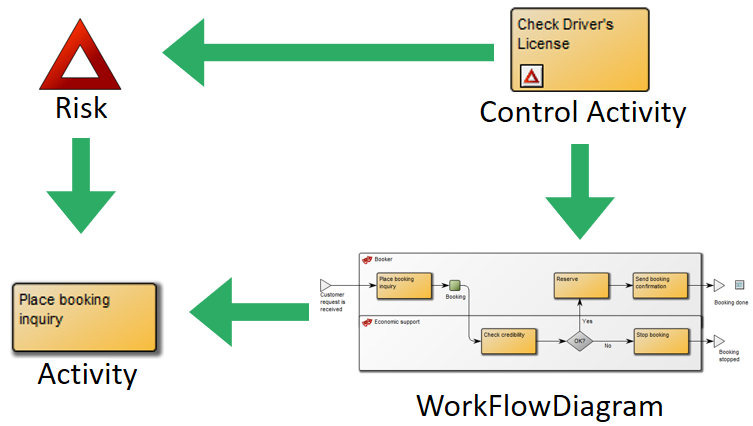
From the Risk-Control tab of Activities, you can also link to the risk. This link indicates that the Activity acts as a mitigating control for the risk. As such, there are two ways a risk can be linked to an activity: either as the activity where the risk is prevalent, or as the control activity that mitigates the likelihood or impact of the risk occurrence:
For more information about how to document Risks in QualiWare: