DataConversionTemplate

The DataConversionTemplate specifies a Interface and the settings for conversions.
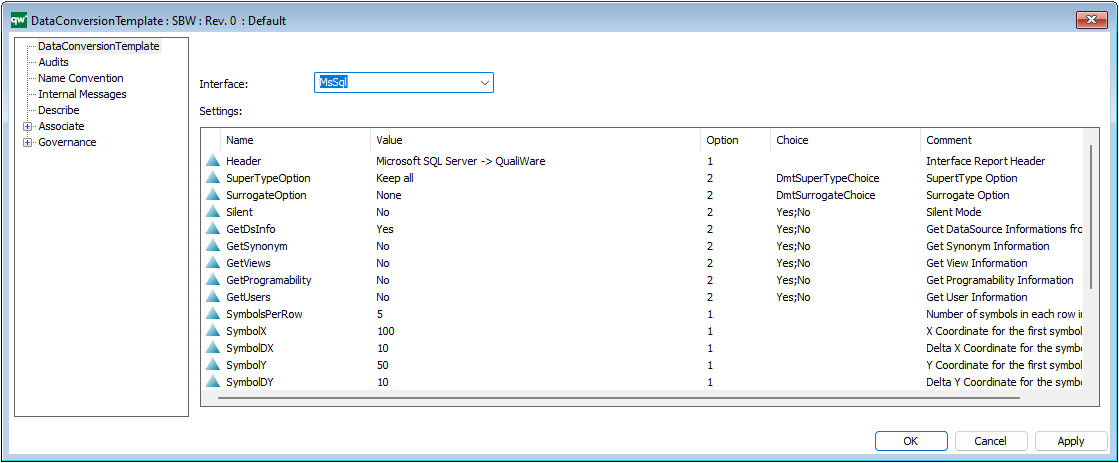
It can be used to do reverse engineering of databases, linked by a SubjectArea (on the Physical Implementation tab) from a DataModellingStructure.

The DataConversionTemplate specifies an Interface and the settings for conversions.

– Select the Interface and create the default values.
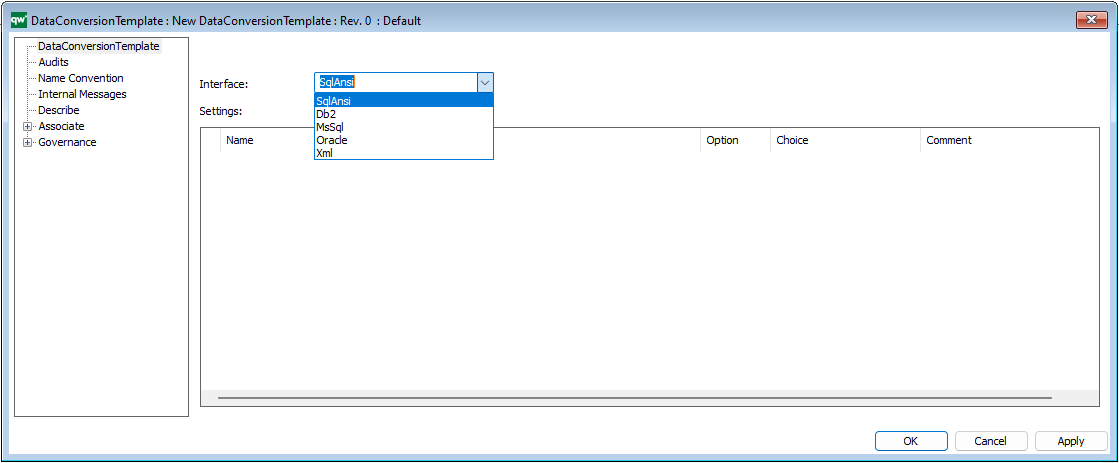
Right click the Settings areas a select Default to add the Default Content.
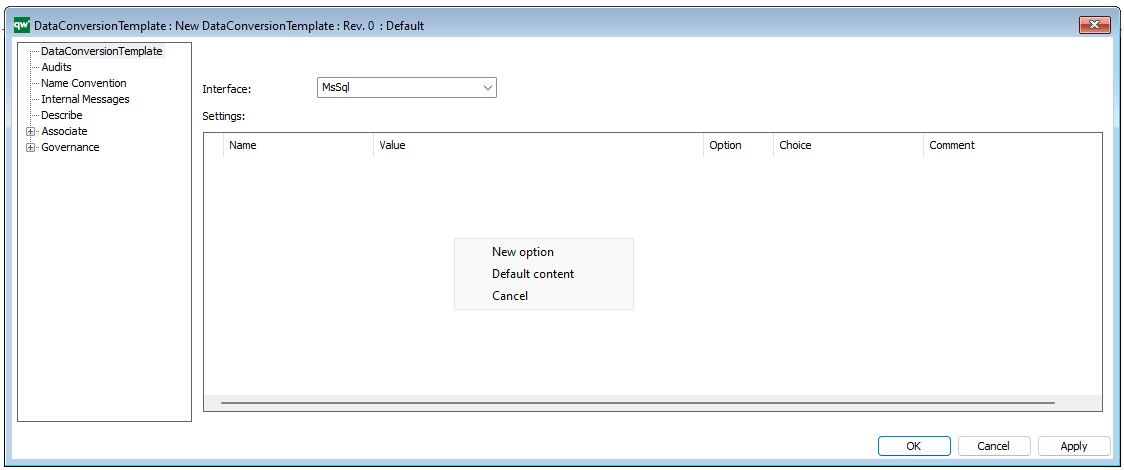
The settings can also be added manually.

Hint: New option fields are read-only by default. Move the horizontal cursor to the left and select the Option will enable 4 options:

  • 0 => Read only
  • 1 => Editable as string
  • 2=> By choice e.g. True or False (Add choices in ‘Choice’ column, before selecting default value in ‘Value’ column )
  • 3=> Object selection filtered by template

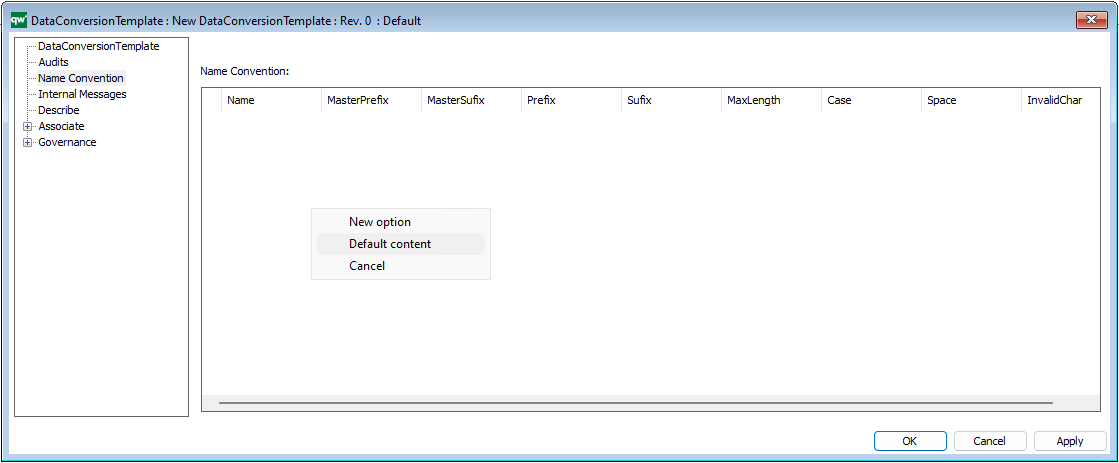
Name Convention

Right click the Settings areas a select Default to add the Default Content.
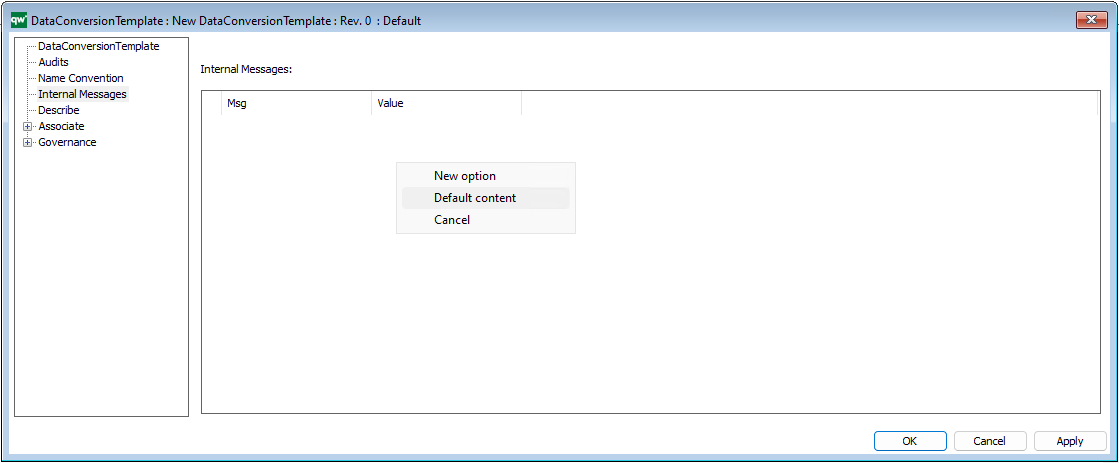
Internal Messages

Right click the Settings areas a select Default to add the Default Content.
Video

The DataConversionTemplate can be used to reverse engineering of databases (together with Data Modelling Structure and a DataSourceConnection)
Reverse engineering of SQL Server database

BusinessImpactAnalysisElement

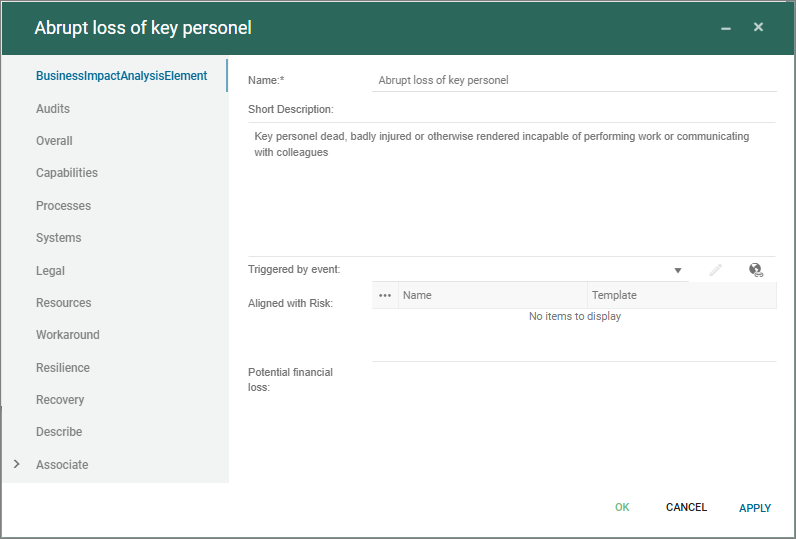
The BusinessImpactAnalysisElement is a central template in the Business Continuity Management solution in QualiWare, first introduced in QualiWare 10.3.

The BIA-element handles the “What can go wrong”-view and is split into three focus areas supporting the strategic view, the process view and the technology view. In addition legal elements and afffected ressources can be mapped to the element.

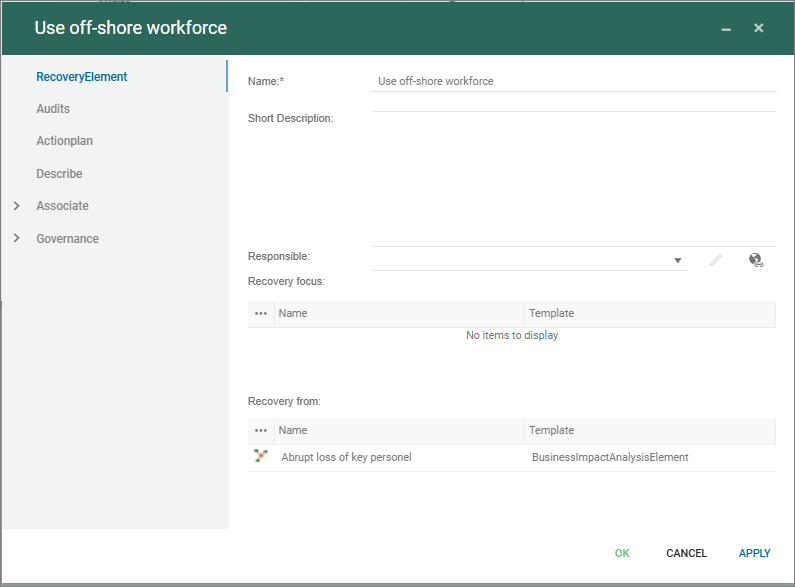
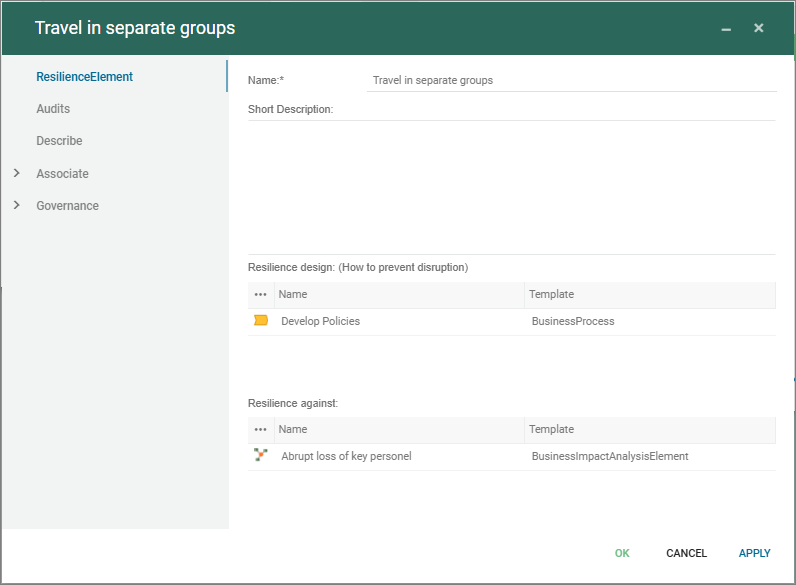
Workaround can be described in the element, and furthermore the resilience, recovery and contigency can be managed and linked through the dedicated templates:

TechnicalDebt

The TechnicalDept template is used to document technical dept related to e.g. software development and IT-systems.

Technical debt refers to the long-term cost or extra work incurred when software development shortcuts are taken, prioritizing speed over code quality or maintainability.

Technical Dept is a part of the Application Management Desktop as part of the “Evaluate application portfolio”.

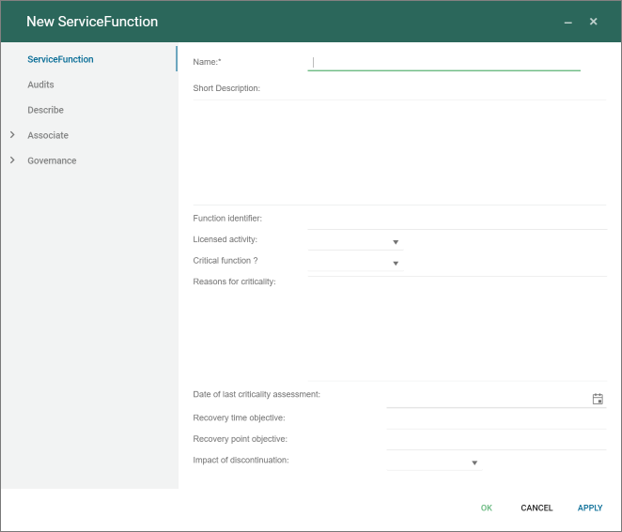
Service Function

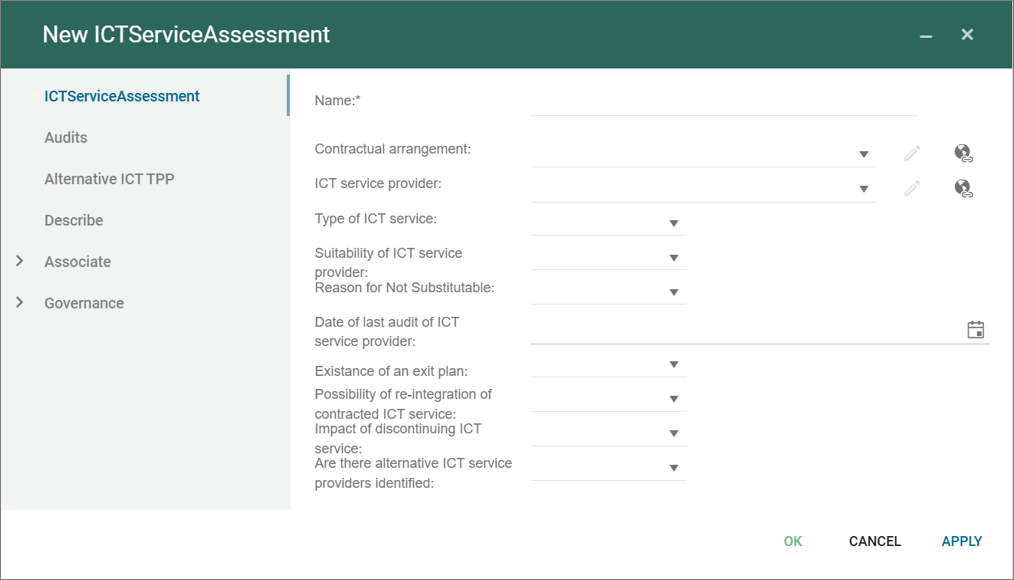
The ServiceFunction is part of the DORA reporting (see DORA Desktop) used to describe the Service Functions as part of the reporting.