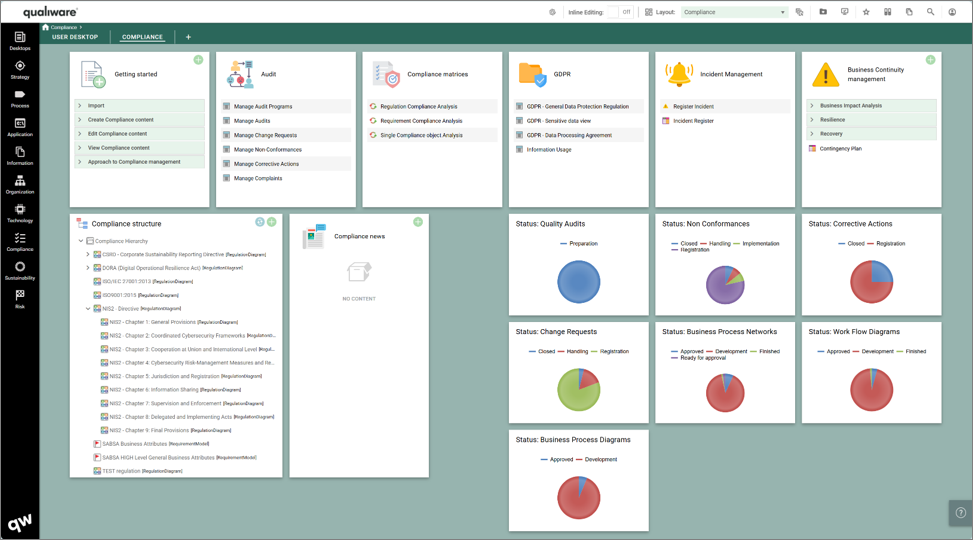
From the Compliance Desktop you can manage and explore all level of compliance within your organization.
The desktop contains the following journey steps, represented by the following tiles on the desktop:
- Getting started
- Audit Management
- Compliance Matrices
- GDPR
- Incident Management
- Business Continuity management
Futhermore, the desktop contains a compliance structure and some business charts showing the distribution and status of relevant object types.
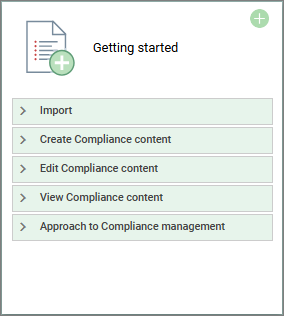
Getting started
Each Desktop has a “Getting Started” tile that provides easy access to the most relevant features in relation to the focus on the desktop.
From the Compliance Desktop you can easily import, create, edit or view compliance related objects from the tile.
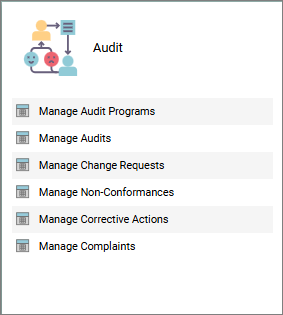
Audit Management
Easy acccess to lists enabling you to manage all relevant parts related to audits, including full lists of:
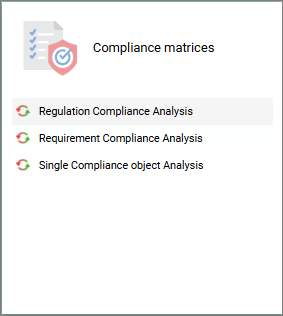
Compliance Matrices
From this tile you can unfold a complete compliance matrice for a regulation diagram, requirement model, or a single compliance object.
Each of the menuitems, will provide an AskList where you can select a specific model/object to see the underlying compliance analysis of the model, or of a detailed object based upon the selected template type.
GDPR
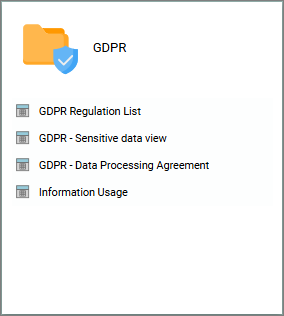
This tile contains relevant list related to GDPR-compliance:
- GDPR Regulations list, is a compliance matrix listing all the chapters and articles in the GDPR regulations, and their corrosponding regulation text. As a part of the standard compliance each of the chapters and articles can be marked as relevant for business and the list show related complying objects mapped to each of the GDPR articles
- GDPR – Sensitive Date View, list all processes in the repository and their use of information, and based upon informations classification, the list shows the classification and privacy level of each of the processes in the repository.
- GDPR – Data Processing Agreement, list all DPAs in the repository and relevant properties to them
- Information Usage, lists all information objects, and their classification and privacy level, and in which processes and IT-systems that uses the information.
Incident Management
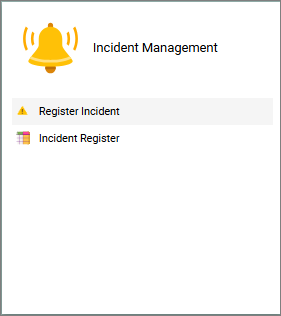
Each access to register incidents, and a full register of all incidents in the repository, enabling you to explore and manage the incidents.
Business Continuity Management
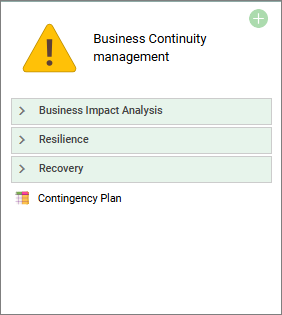
This tile contains relevant list related to full Business Continuity Management.
- In overall terms the Business Impact Analysis (BIA) handles the “What can go wrong”-view and is split into three focus areas supporting the strategic view, the process view and the technology view. Using the pre-configured dynamic spreadsheet all aspects of the BIA may be described.
- When the BIA analysis has defined the business-context impacted by the BIA elements QualiWare can analyse the risks and controls already established in these business areas, and present these as an inspiration to developing the Resilience plan and the Recovery plan.
- Other analysis reports will help you build, test, train and maintain the business continuity management systems including a report that clearly defines the recovery actions and schedule as well as all responsibilities and employee involvement in the recovery, this includes a Contingency Plan, that unfolds the details as a result of the Business Impact Analysis
Video Highlights
Read more about the Desktops
Explore the general introduction to desktops using the links: