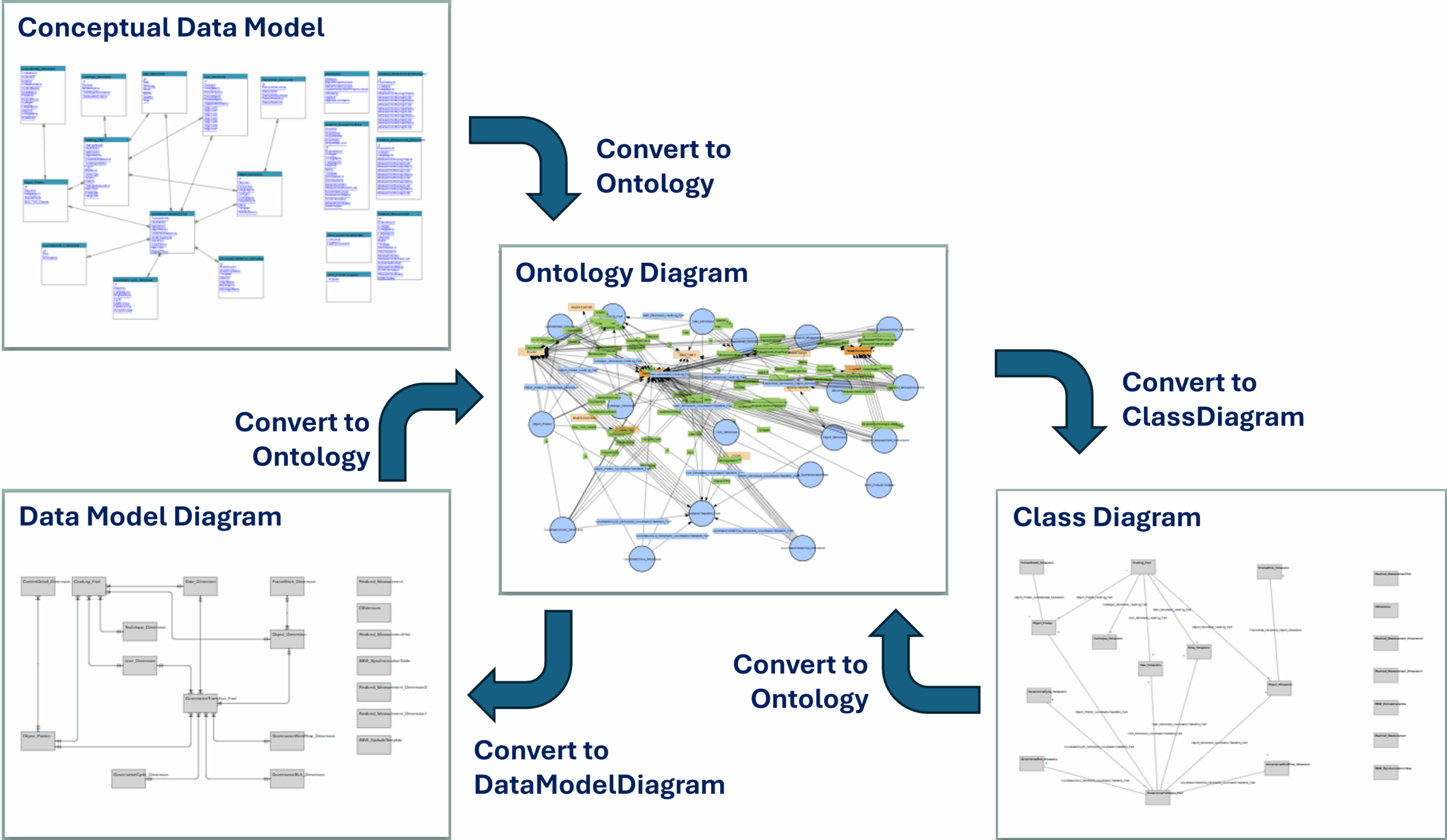
Information model -> Ontology -> OpenAPI
This enables “forward and backward engineering” of the models from OpenAPI to Ontology to Information Models.
OpenAPI
In order to explain the triggering and behaviors of these utilities, let us use the well known “Pet store” example which is widely used as context for providing examples of implementation of the OpenAPI clauses.
Data are referenced in different statements of the OpenAPI standard:
- They are used as parameters (Parameter:OpenAPI) of operations (Operation:OpenAPI)
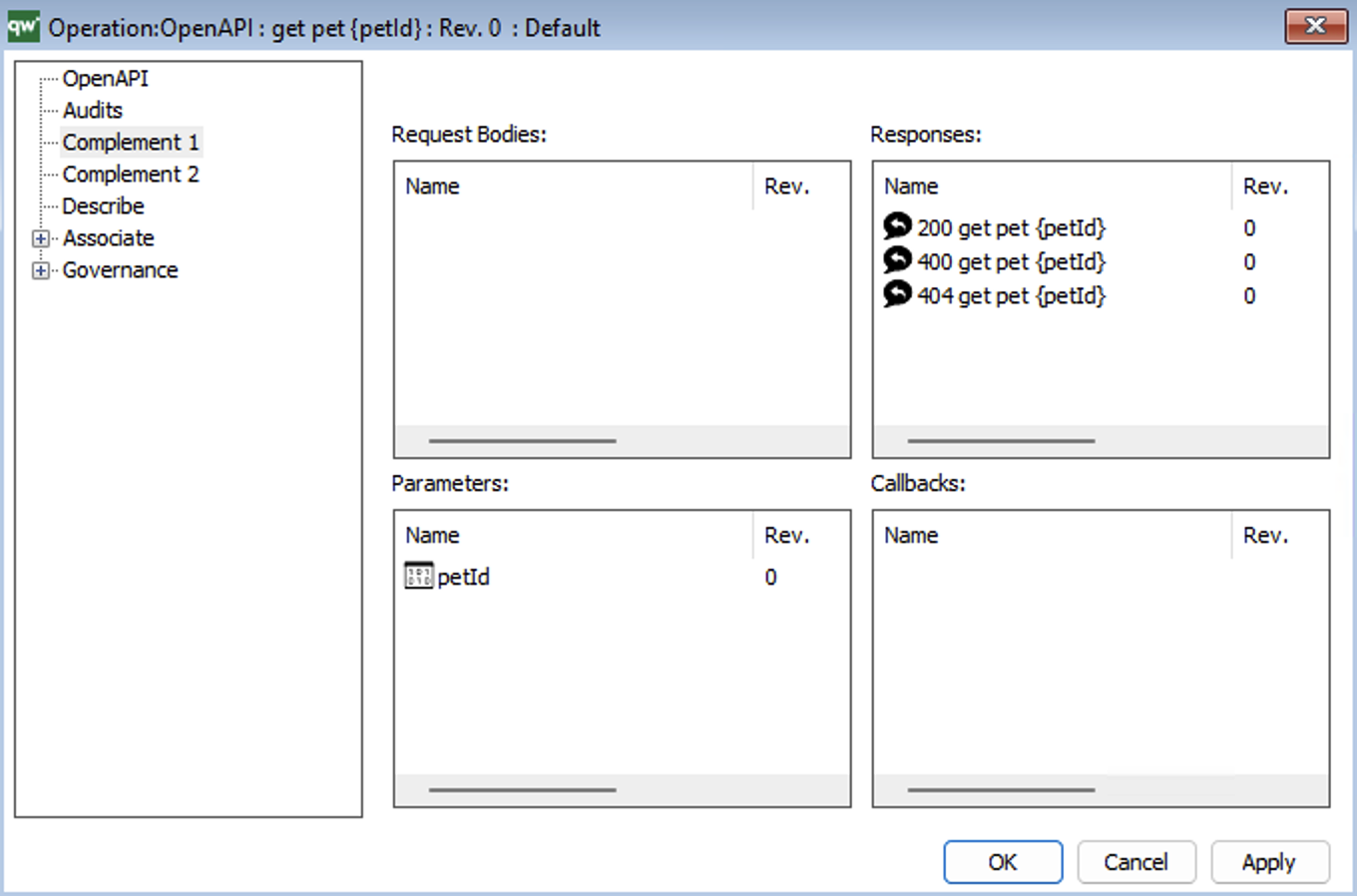
- They define the properties (Property:OpenAPI) of schemas (Schema:OpenAPI) :
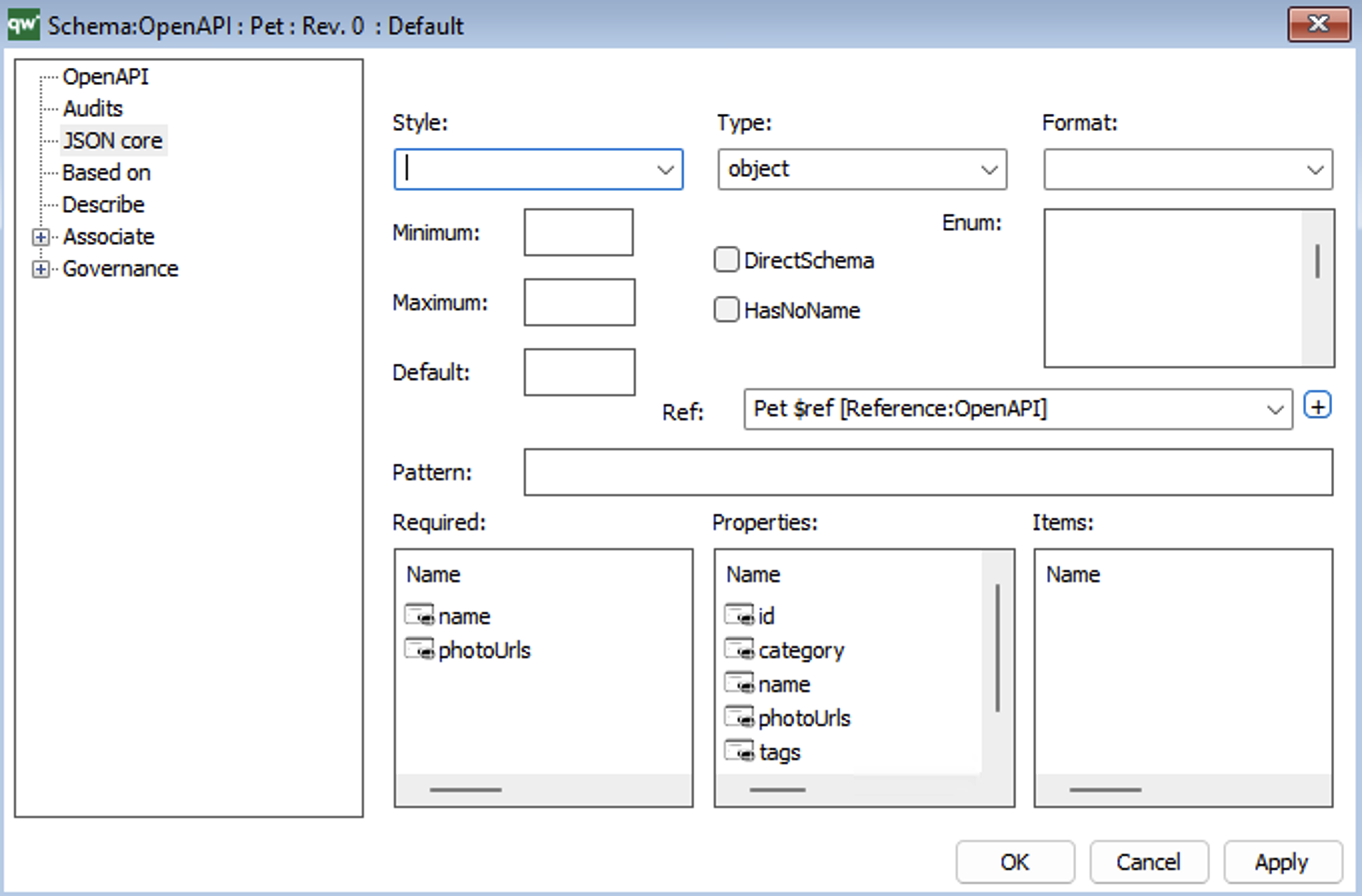
- They are targeted as referenced objects or arrays (Reference:OpenAPI or Item:OpenAPI)
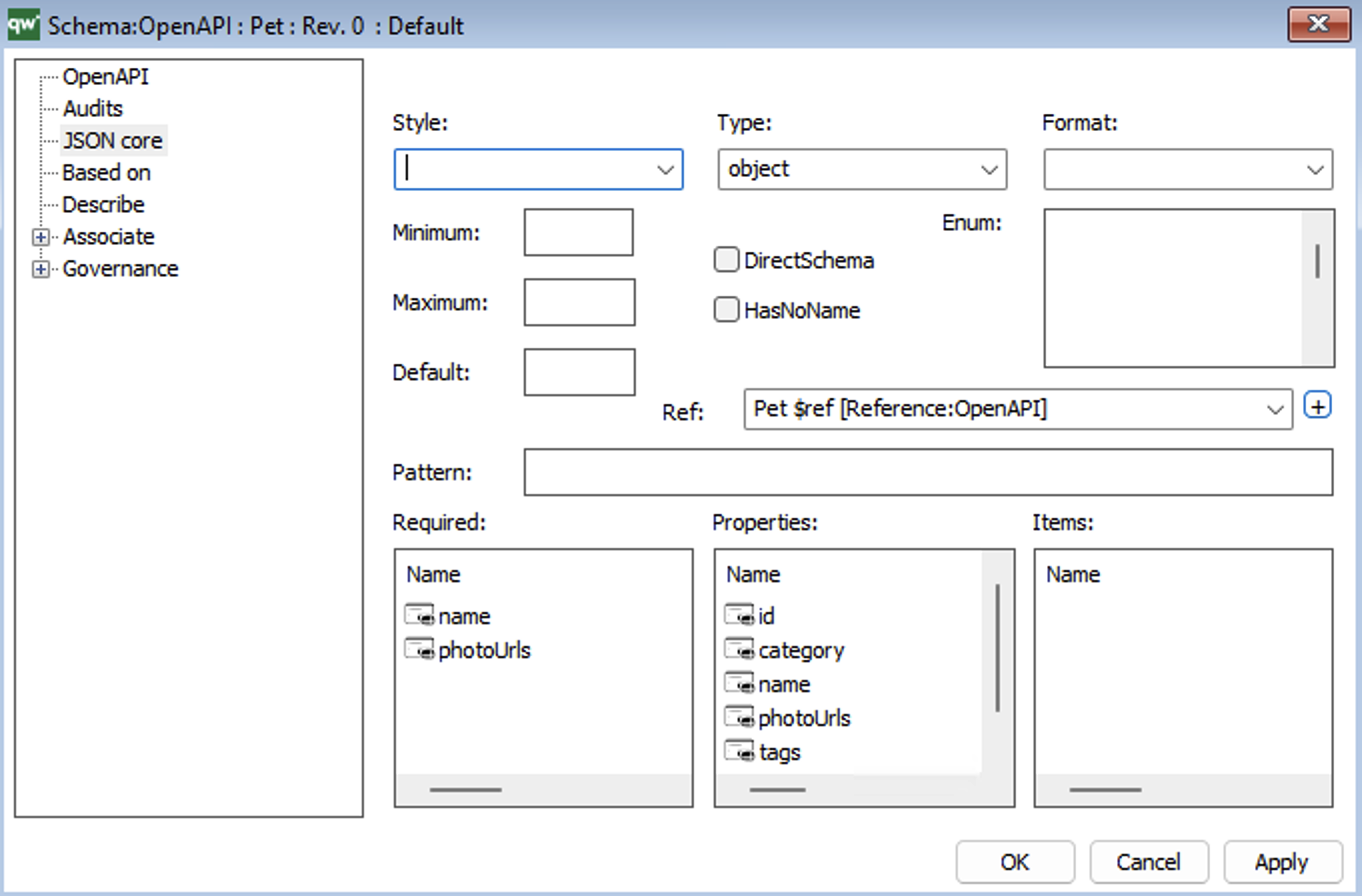
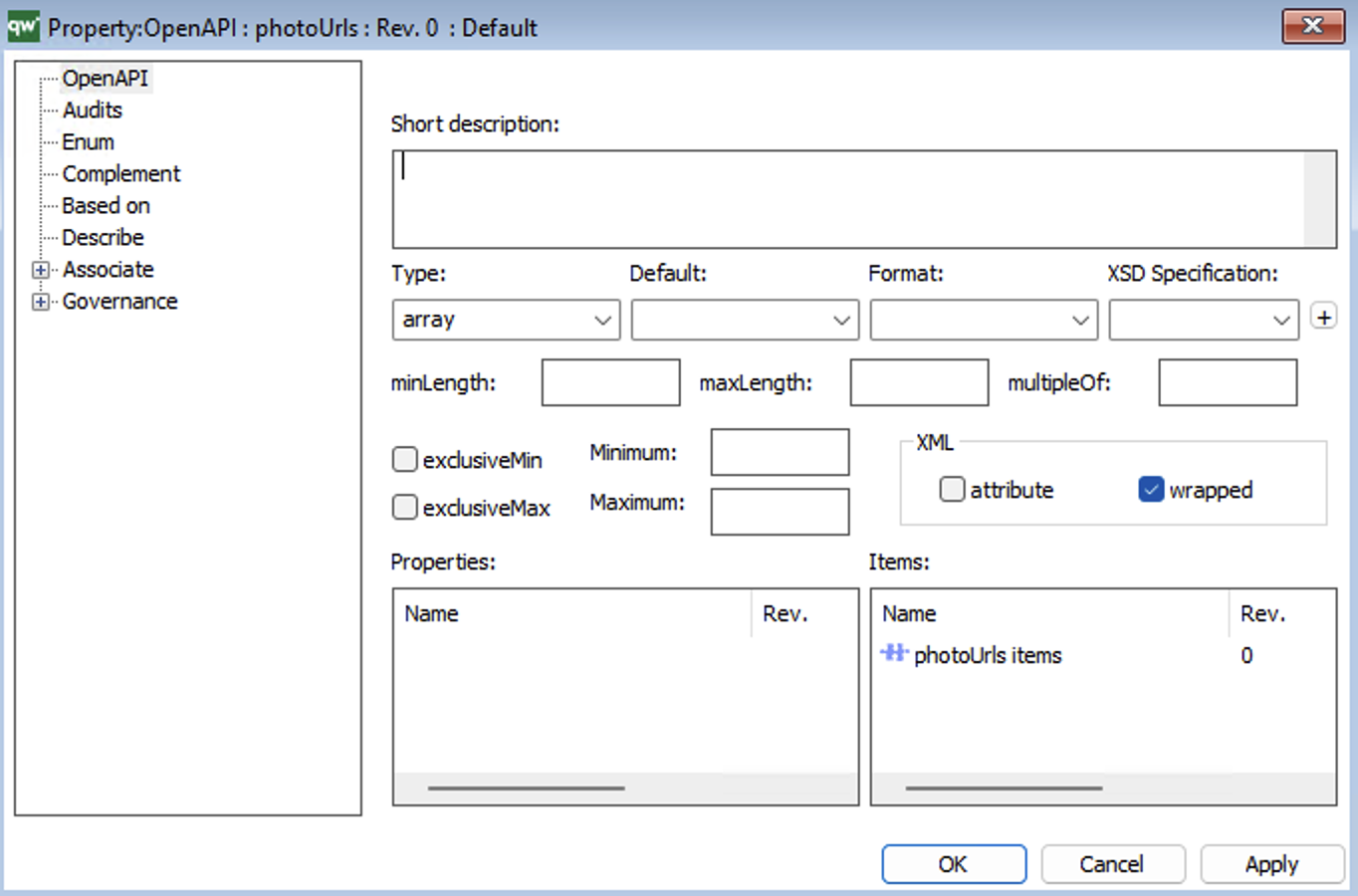
- They appear also along the definition of operations, as path items (PathItem:OpenAPI)
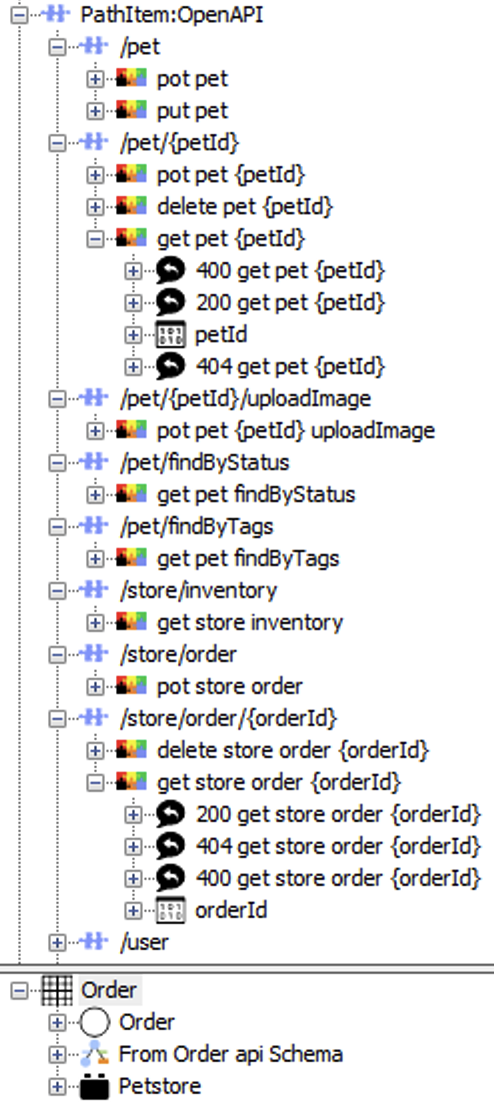
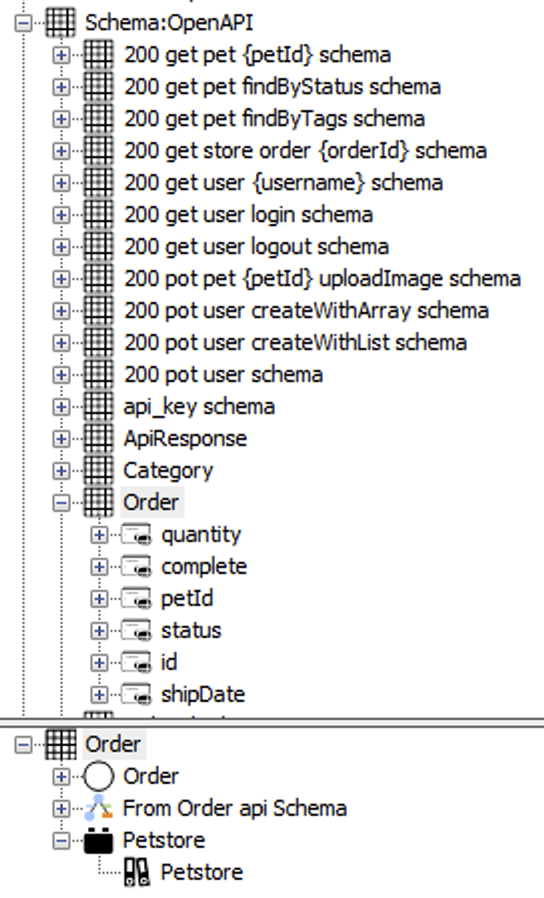
| Some Schema instances used in the OpenAPI file statements.
See the properties defining the “Order” schema, and the elements referencing it. |
|
 |
Schemas and their definitions along properties, items and references are the appropriate source for linking OpenAPI statements with data.
The schemas define the data exposed or captured at the boundary of the system. These data are closer to a convenient, user based, view of structured data. This view can provide/capture data based on a uniquely identified object with its properties to a very complex array combining arrays. This lets to think that the data at this boundary rather compose the explicit perception of ad-hoc data which can be seen as a graph or as an “ontology” view. That’s the reason we decided to target “ontology views” from OpenAPI schemas. |
We have created a feature which, given the “root” of an OpenAPI specification loaded in the QualiWare repository, creates as many “ontology views” as schemas in the OpenAPI source content managed in the QualiWare repository.
Generating an OntologyDiagram from OpenAPI
In context of an OntologyDiagram, the user can trigger the generation of “Ontology views” by invoking the “Convert from OpenAPI” option from the “Tools” menu.
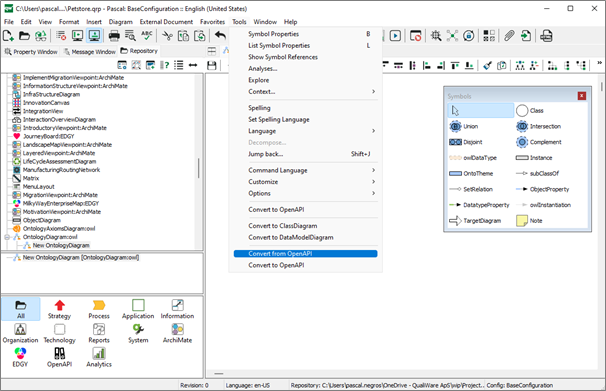
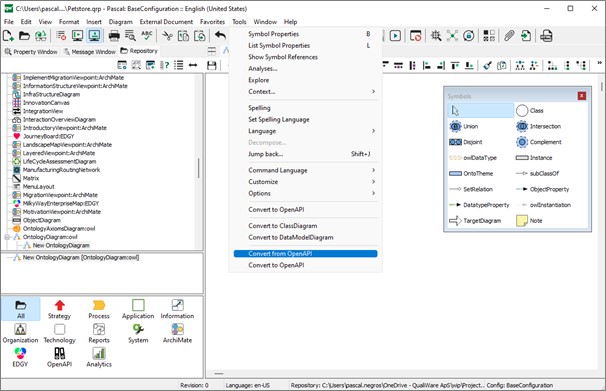
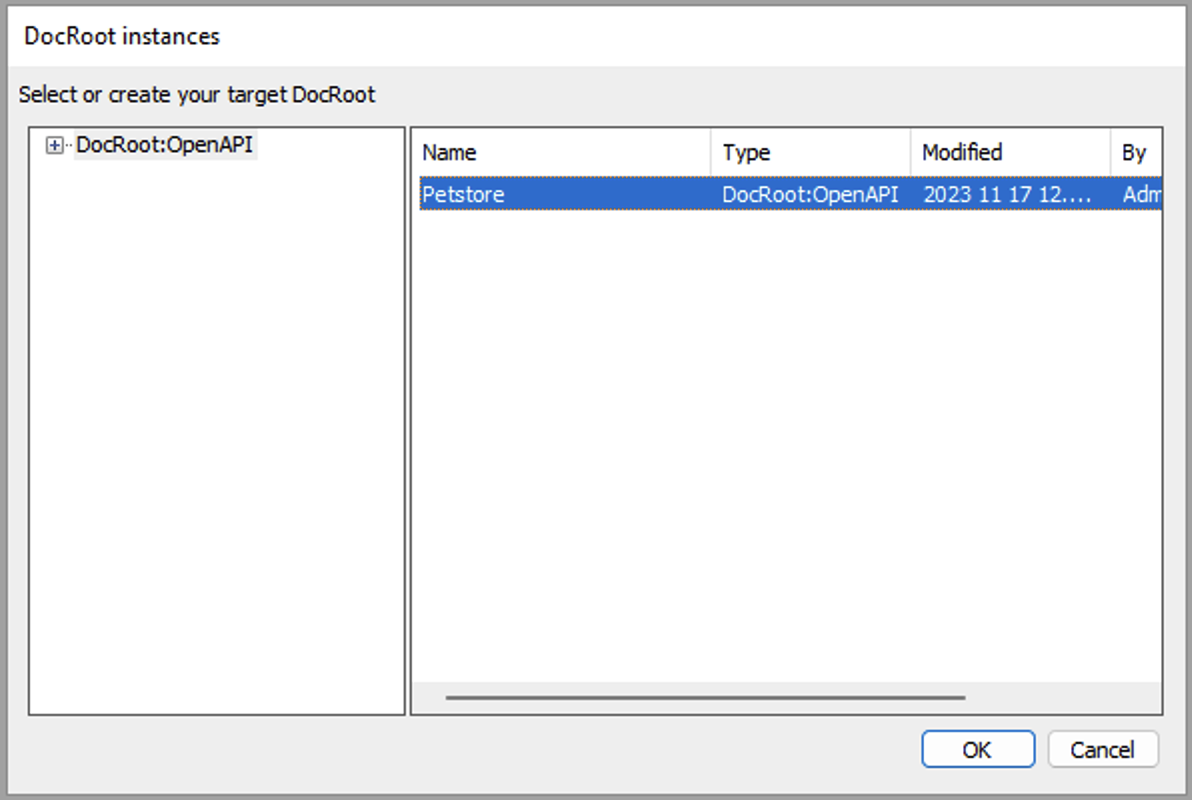
The user is then prompted for selecting the starting point of the generation. It is known as a “DocRoot:OpenAPI” instance:
The generation starts and generates as many Ontology views (as :instances of OntologyDiagram:GOWL) as Schemas defined in the “Components” part of the OpenAPI content. They are named as “From ”,<name of the schema>,” api Schema”:
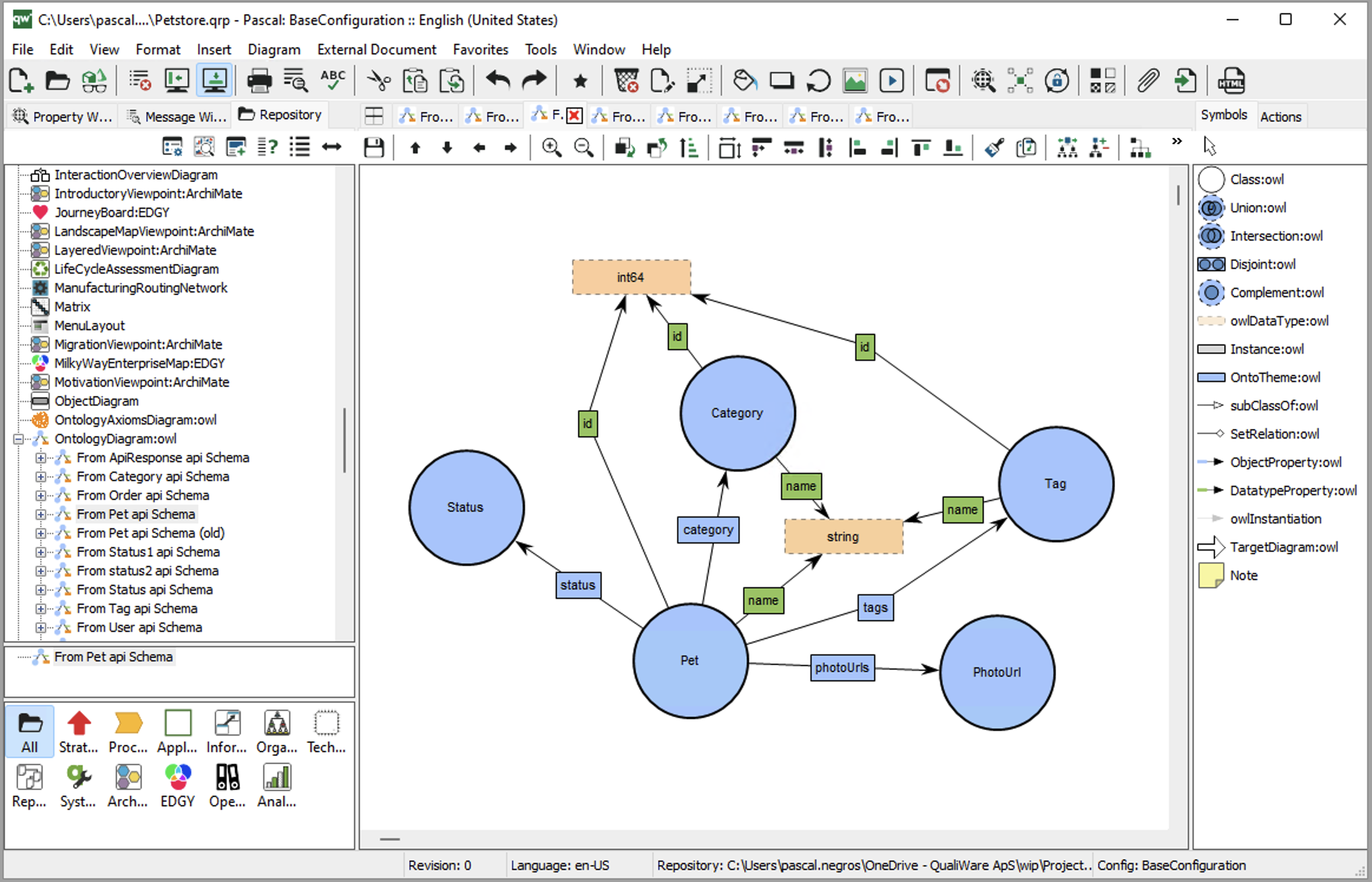
The user may need to quickly re arrange the layout of the generated diagram.
During the generation, we follow the links along the OpenAPI content paragraphs and statements defining “components/schemas” paragraphs of the api content:
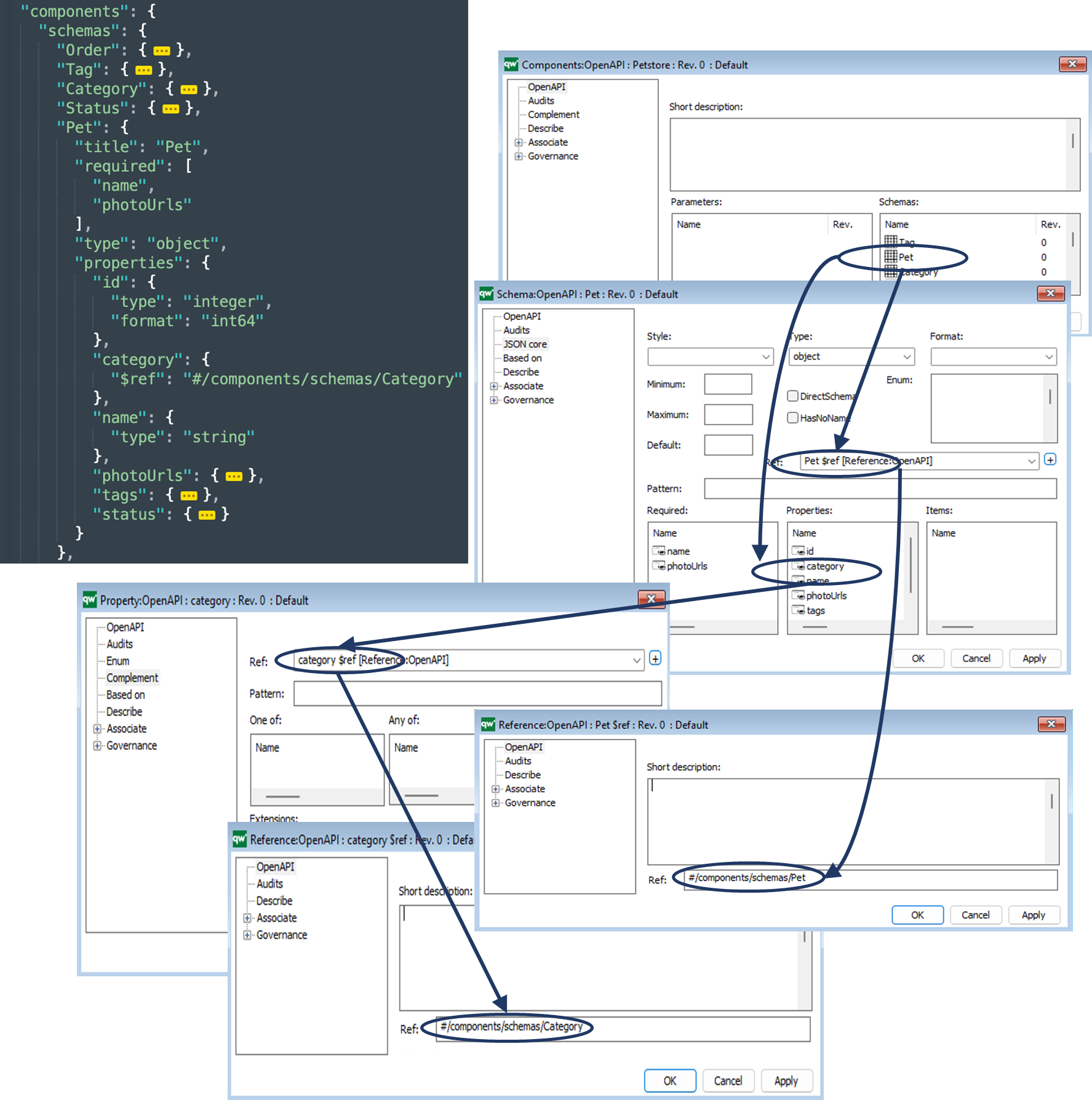
This shows the generation for Pet and Category, but it applies also to all the Schemas, following the same path applied to the Schema context.
And finally, after a quick re-arrangement of the layout, the user obtains:
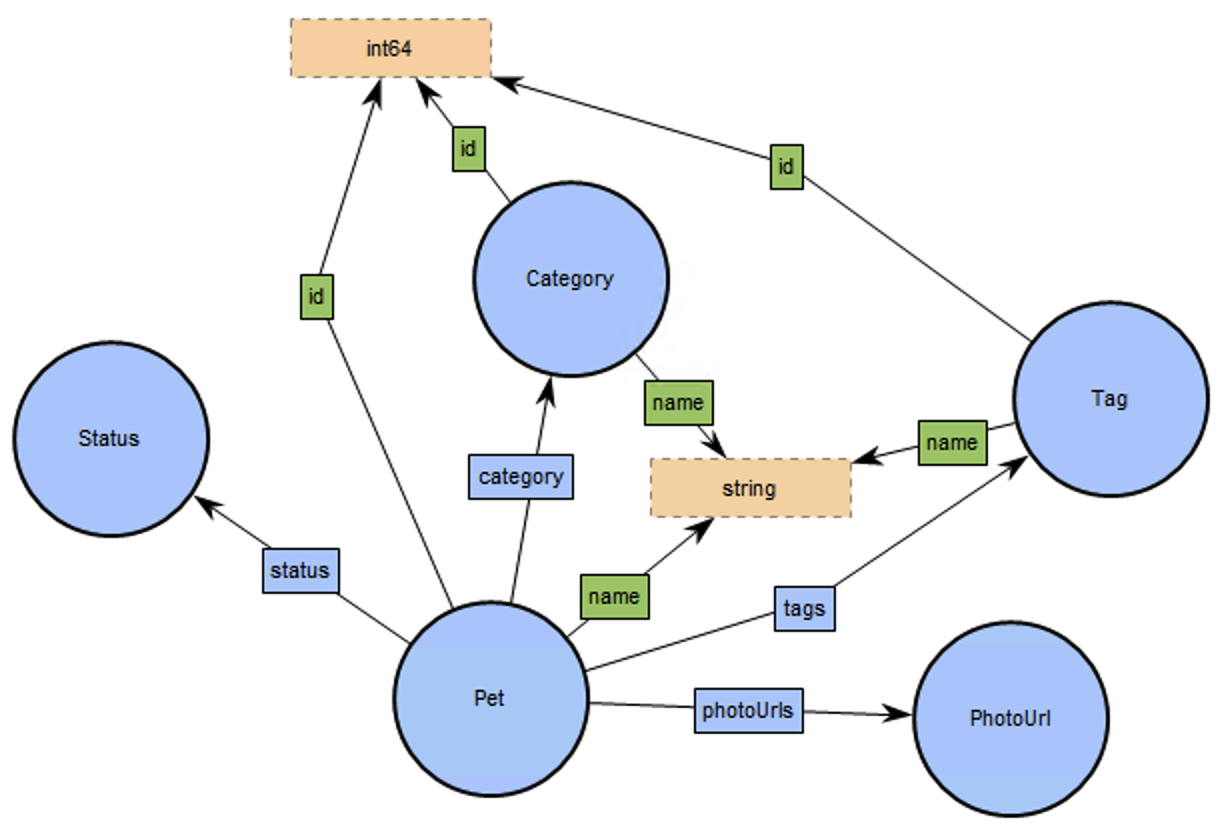
If needed, the user can manually combine all the “ontology views” into a merged OntologyDiagram:
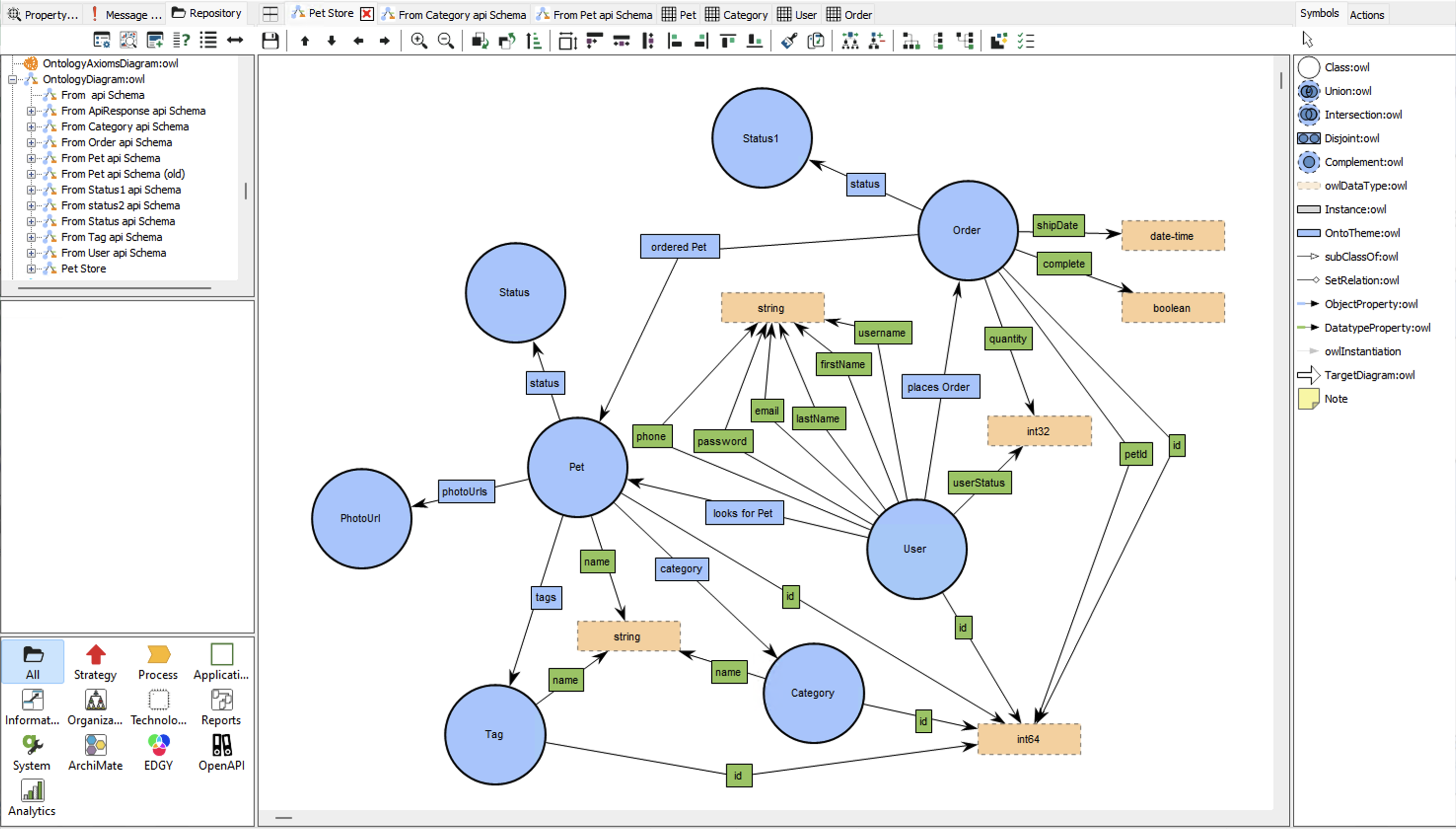
Generating a ClassDiagram from an OntologyDiagram
Let’s use this combined “Pet Store” OntologyDiagram.
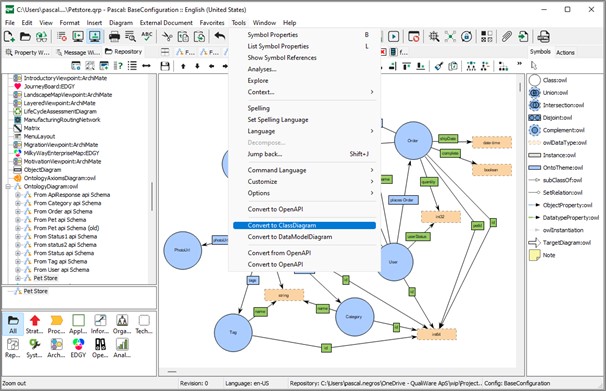
In context of this diagram, the users invokes the “Convert to Class diagram” option of the Tools menu:
The ClassDiagram is generated and reuses all the meaningfull characteristics of the source element, and opens the generated ClassDiagram:
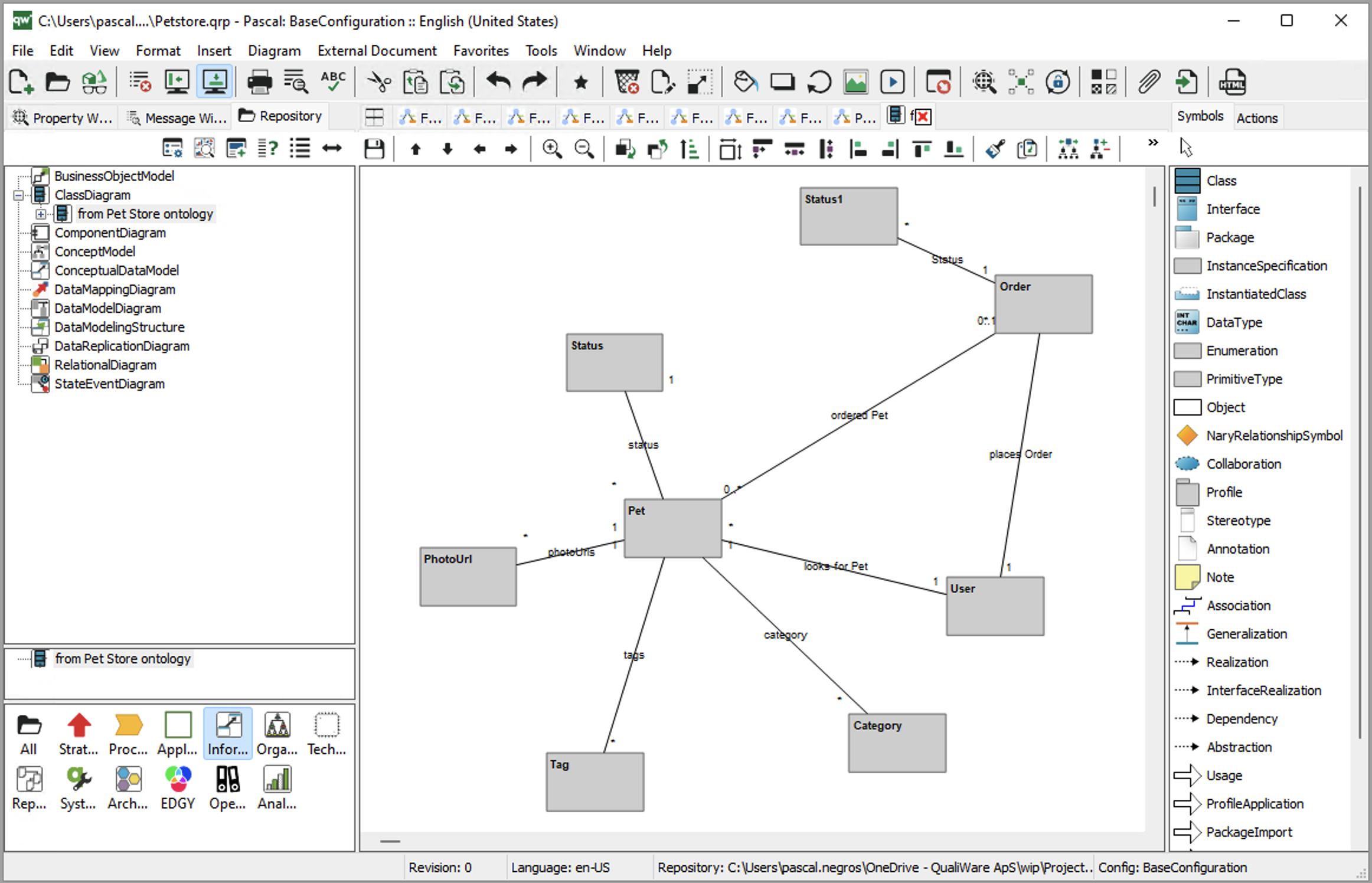
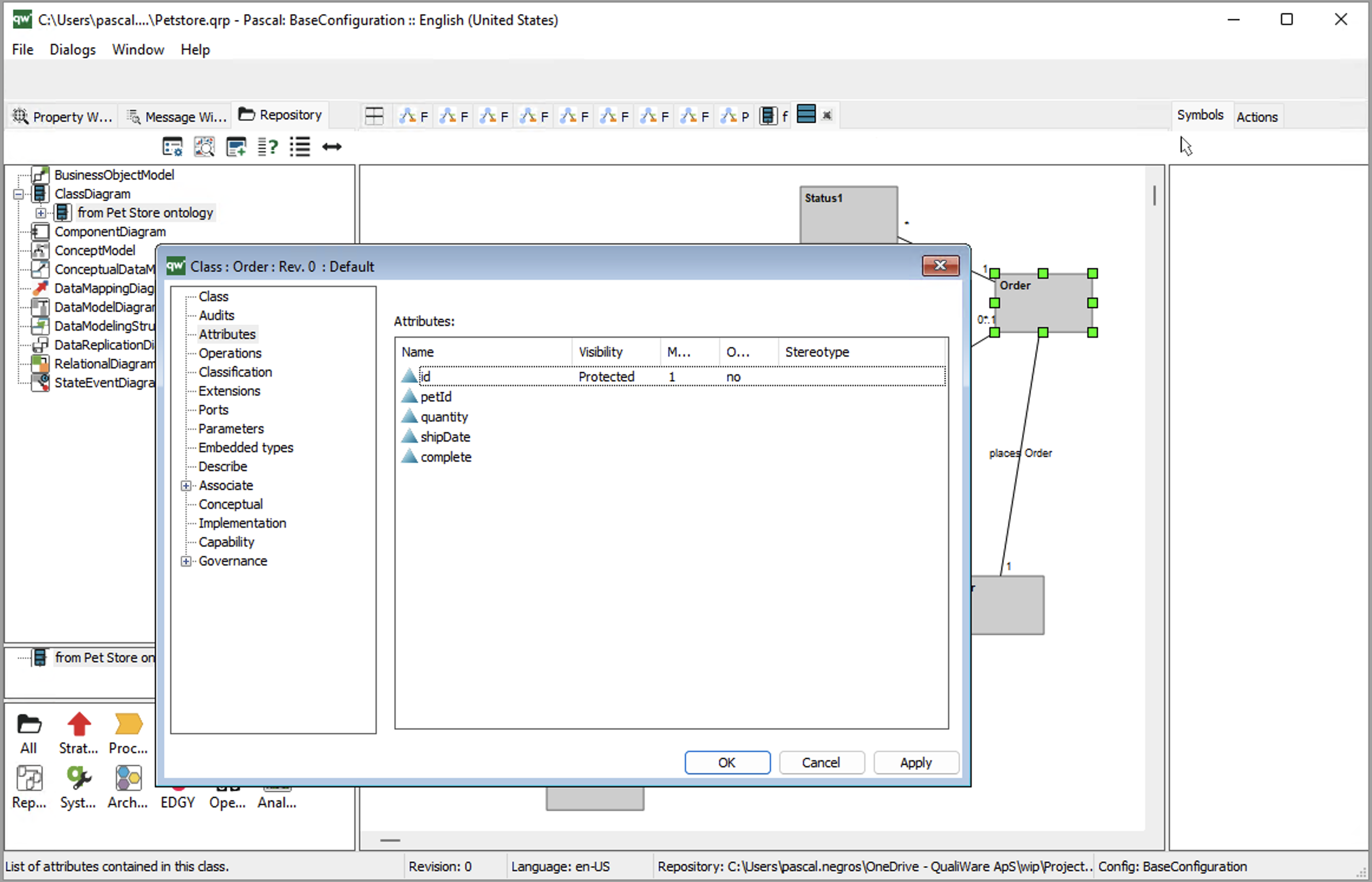
With Attributes of the Classes :
Generating a DataModelDiagram from an OntologyDiagram
Let’s use the combined “Pet Store” OntologyDiagram.
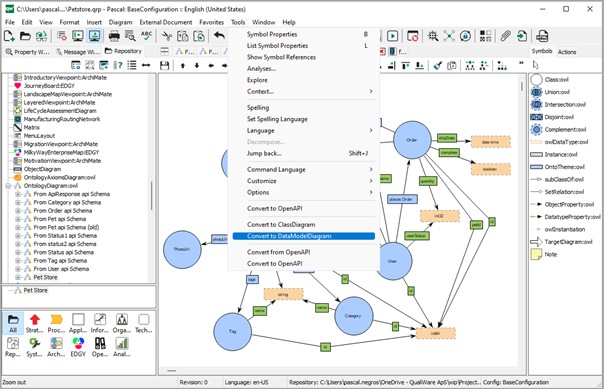
In context of this diagram, the users invokes the “Convert to ClassDiagram” option of the Tools menu:
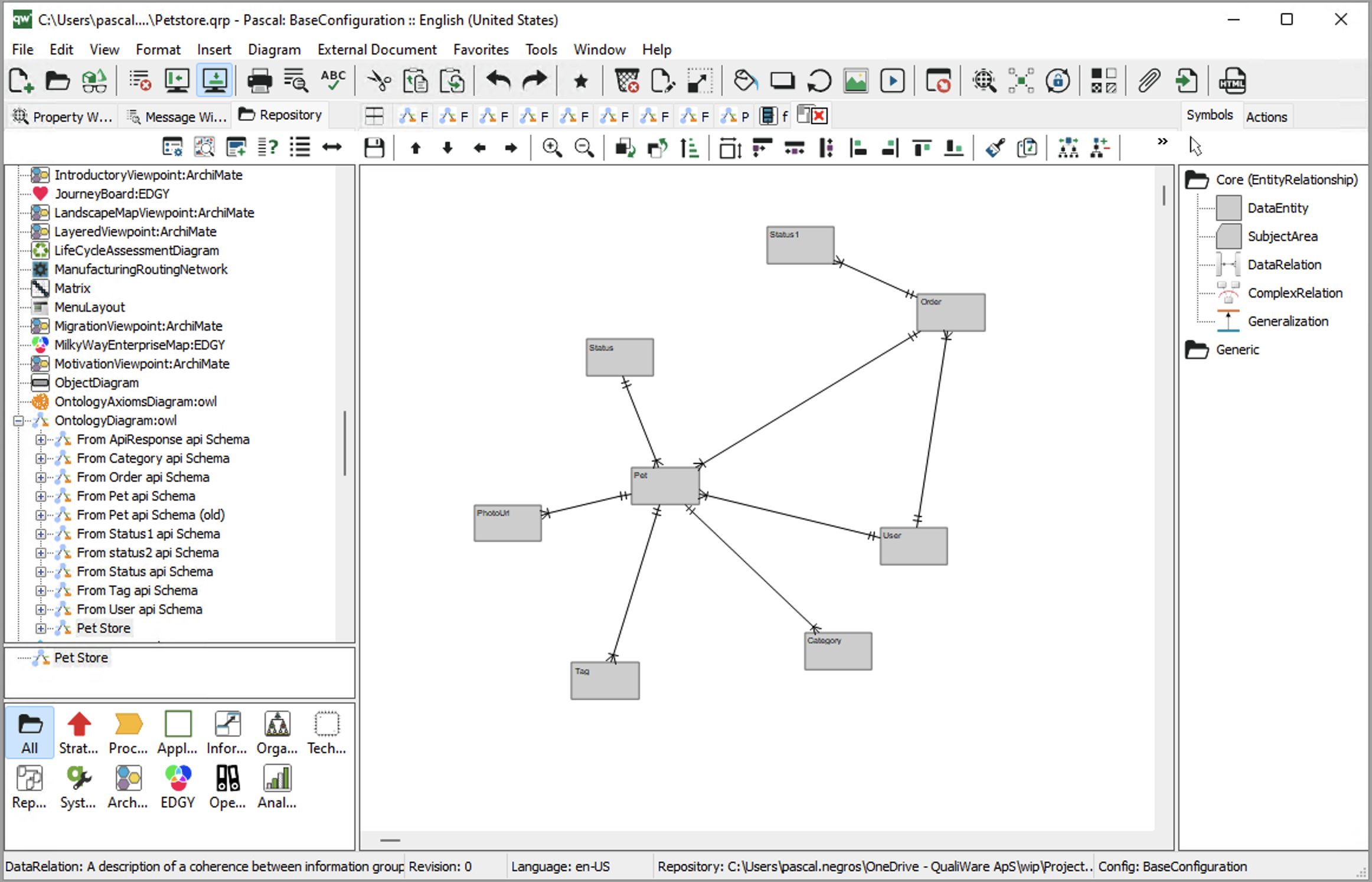
The DataModelDiagram is generated and reuses all the meaningful characteristics of the source element, and opens the generated DataModelDiagram:
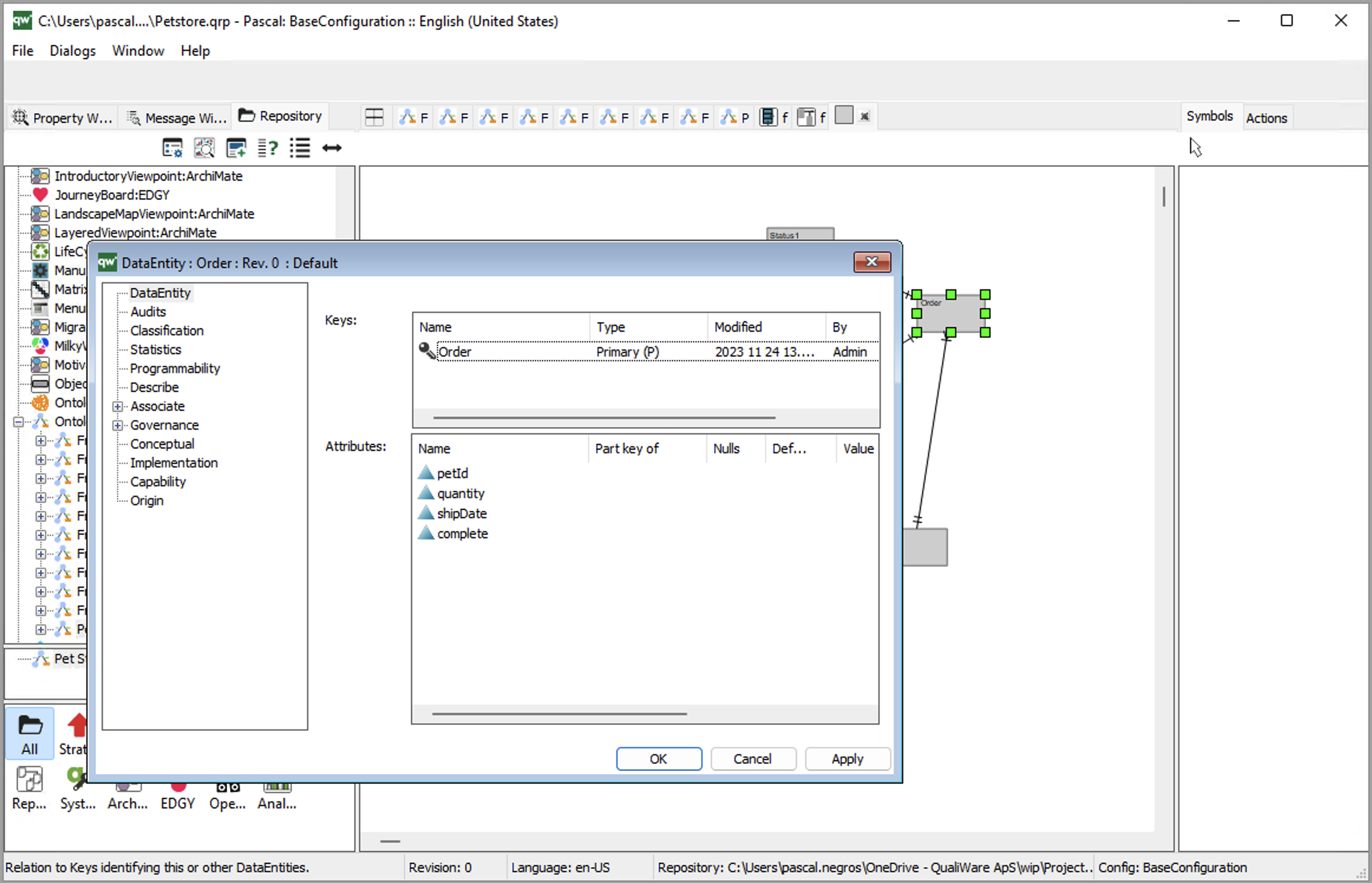
With Attributes of the DataEntities:
Generating OntologyDiagrams from DataModelDiagrams or ClassDiagrams
Similary you can create an OntologyDiagram from a DataModelDiagram.
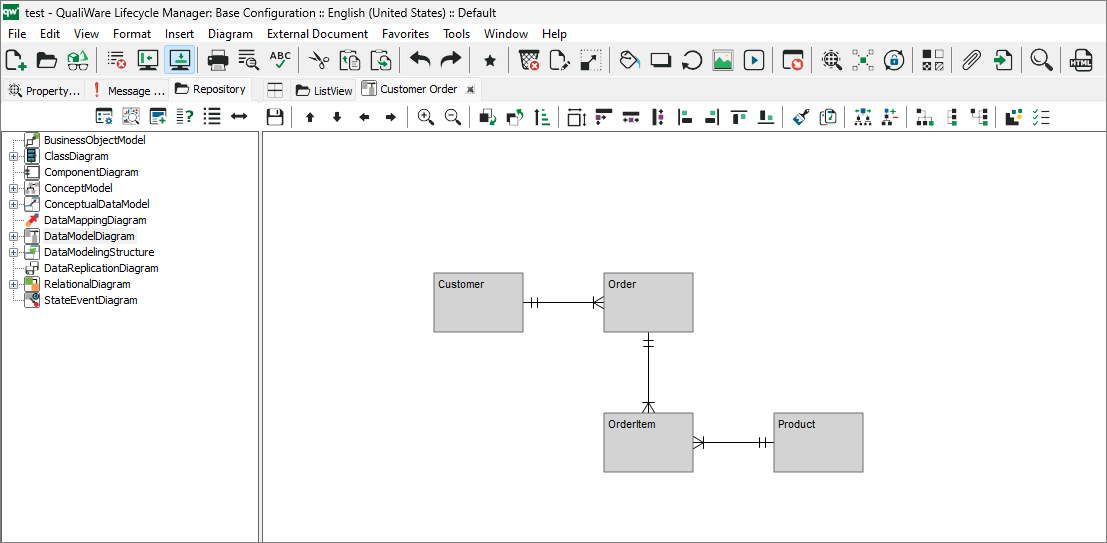
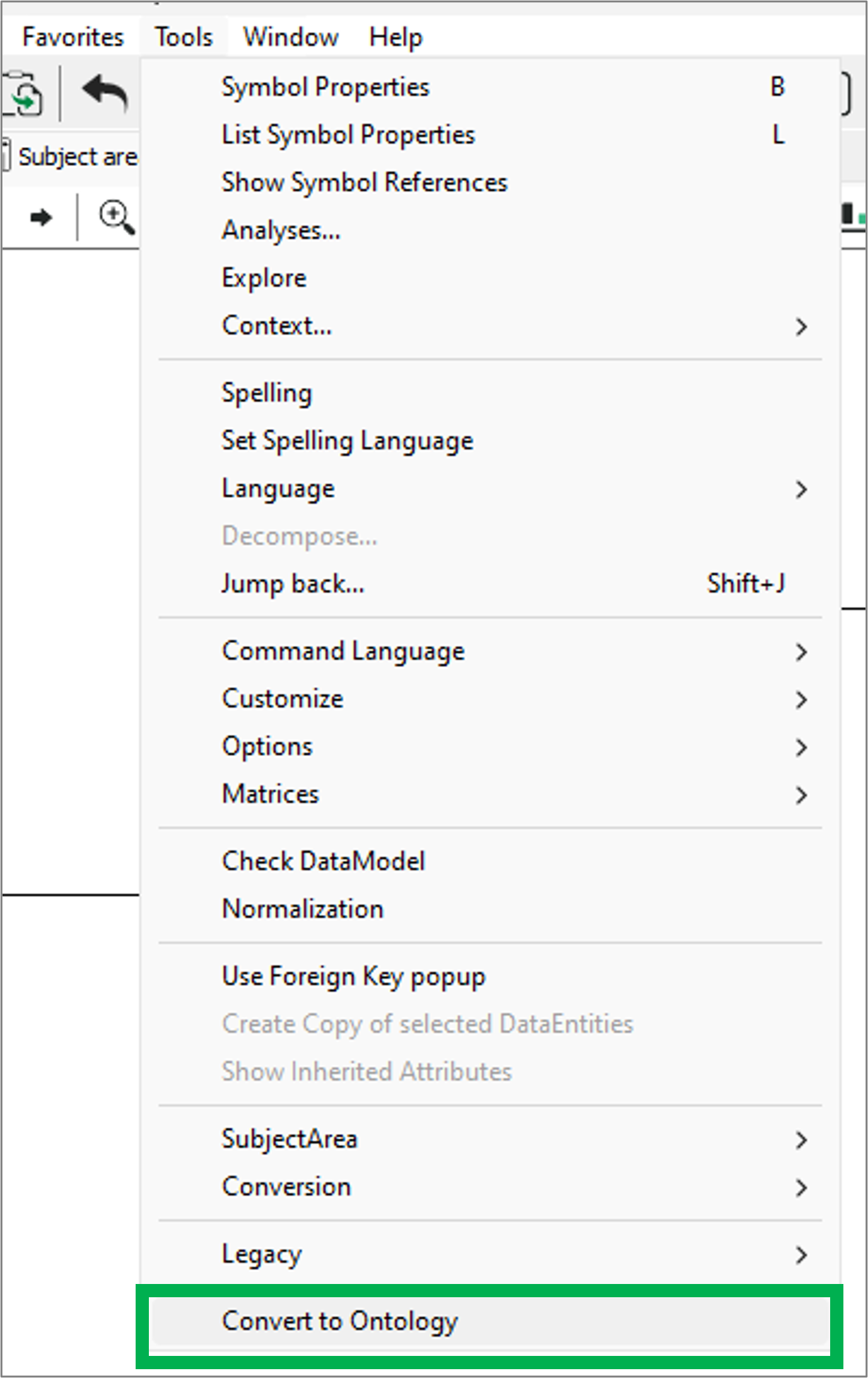
From the tools menu you can access the “Convert to Ontology”
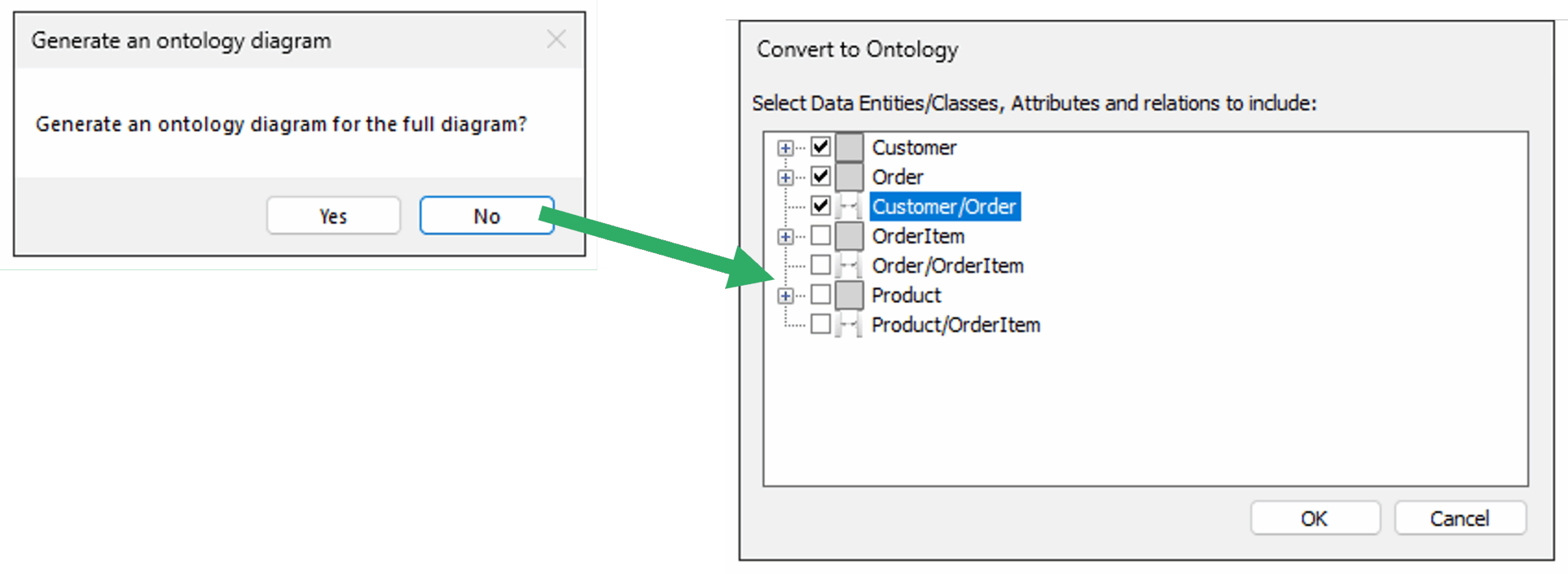
Then you get prompted if you want to create for the full diagram, and if you choose no, you get a window where you can select what should be included.
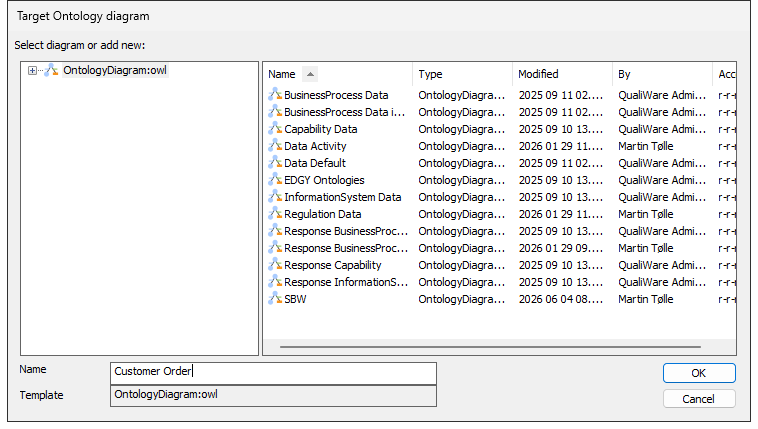
Then you select target diagram (or add new):
The diagram is created and you can re-arrange the symbols to get a good representation.
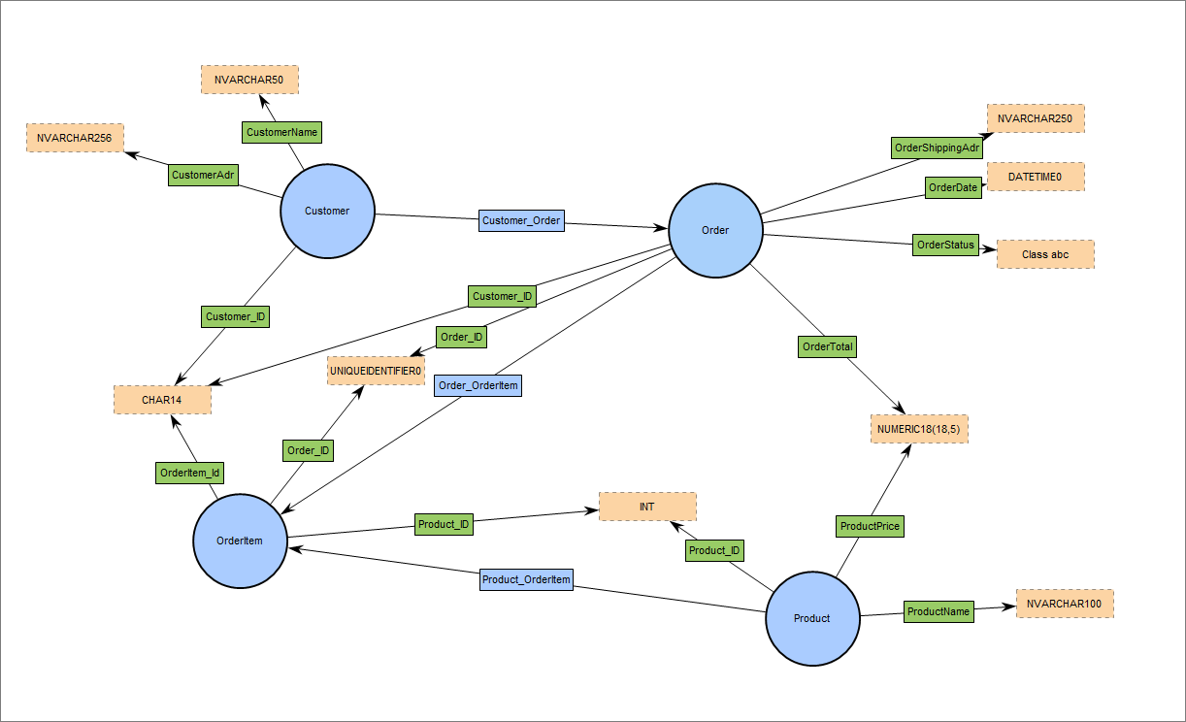
The process is similar from a ClassDiagram to an OntologyDiagram, and from a ConceptualDataModel to an OntologyDiagram.