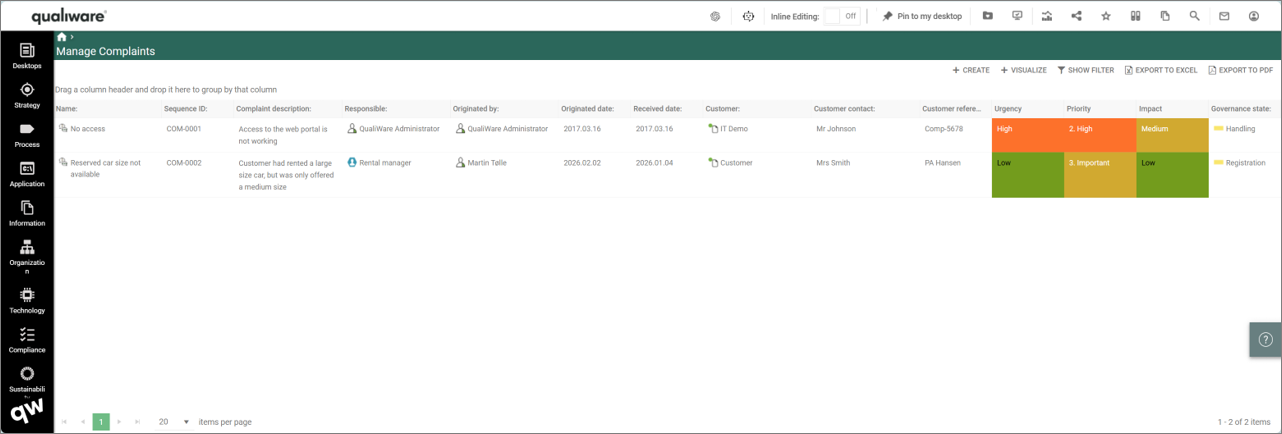
This list shows all the Complaints in the repository, including their key properties. From this point, new complain can be created and existing ones can be analysed and edited.
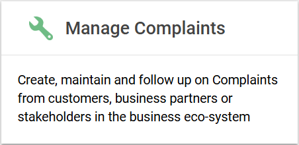
The Manage Complaints list is available from the tile on the Compliance Desktop.
- Manage Complaints Tile (standard Compliance Desktop in QualiWare (version 10.9 and earlier)).
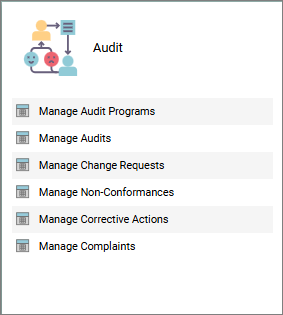
- Manage Complaints is part of the Audit Tile in the standard Compliance Desktop in QualiWare (version 10.10).
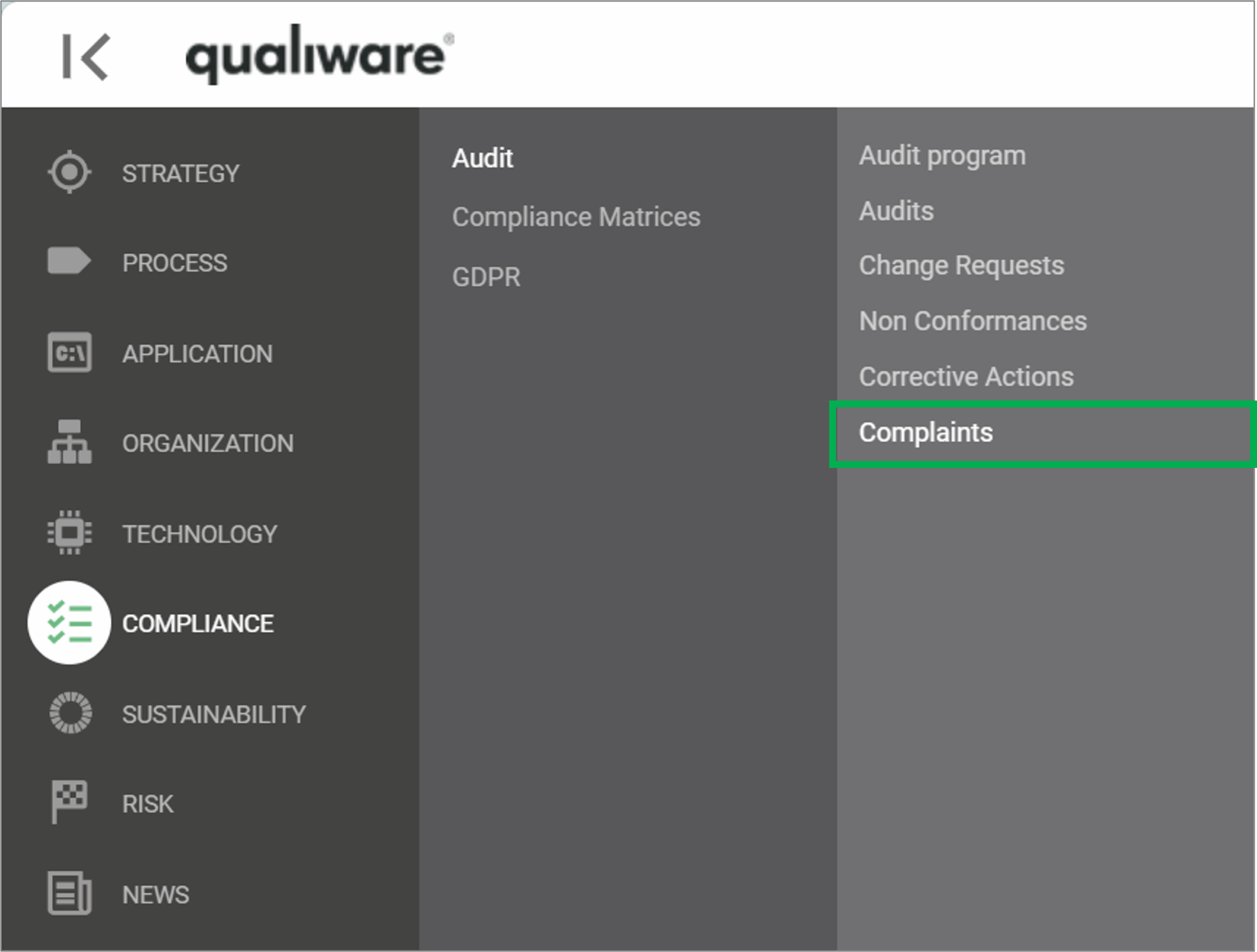
The list can also be accessed from the left-menu under Compliance.
If you click a Complaint you get a more details view, based upon the Complaint-Template.
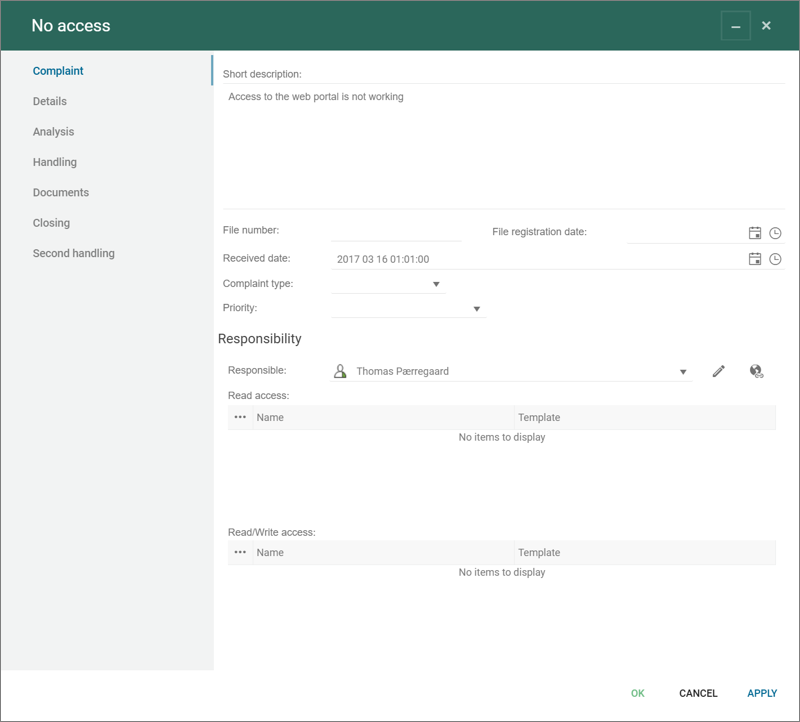
From this dialog the responsible can edit the complaint and progress it through the governance phases.
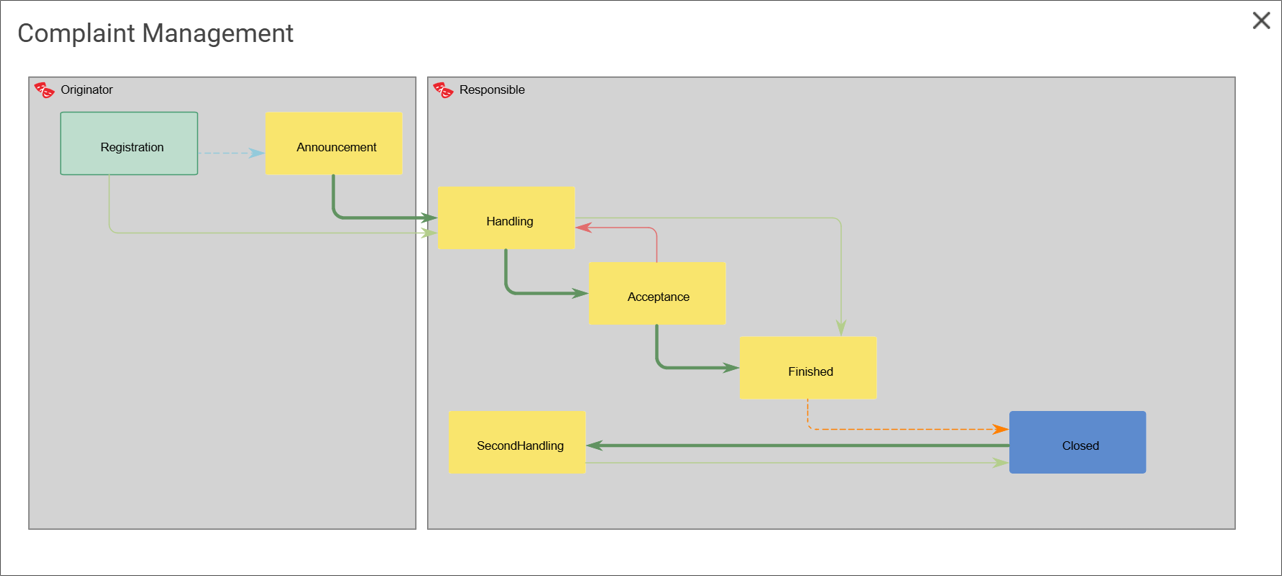
Below is the standard GovernanceWorkflow for Non-conformance management shown, this flow can be adjusted if needed, see the GovernanceWorkflow for more details.