Manage Audits

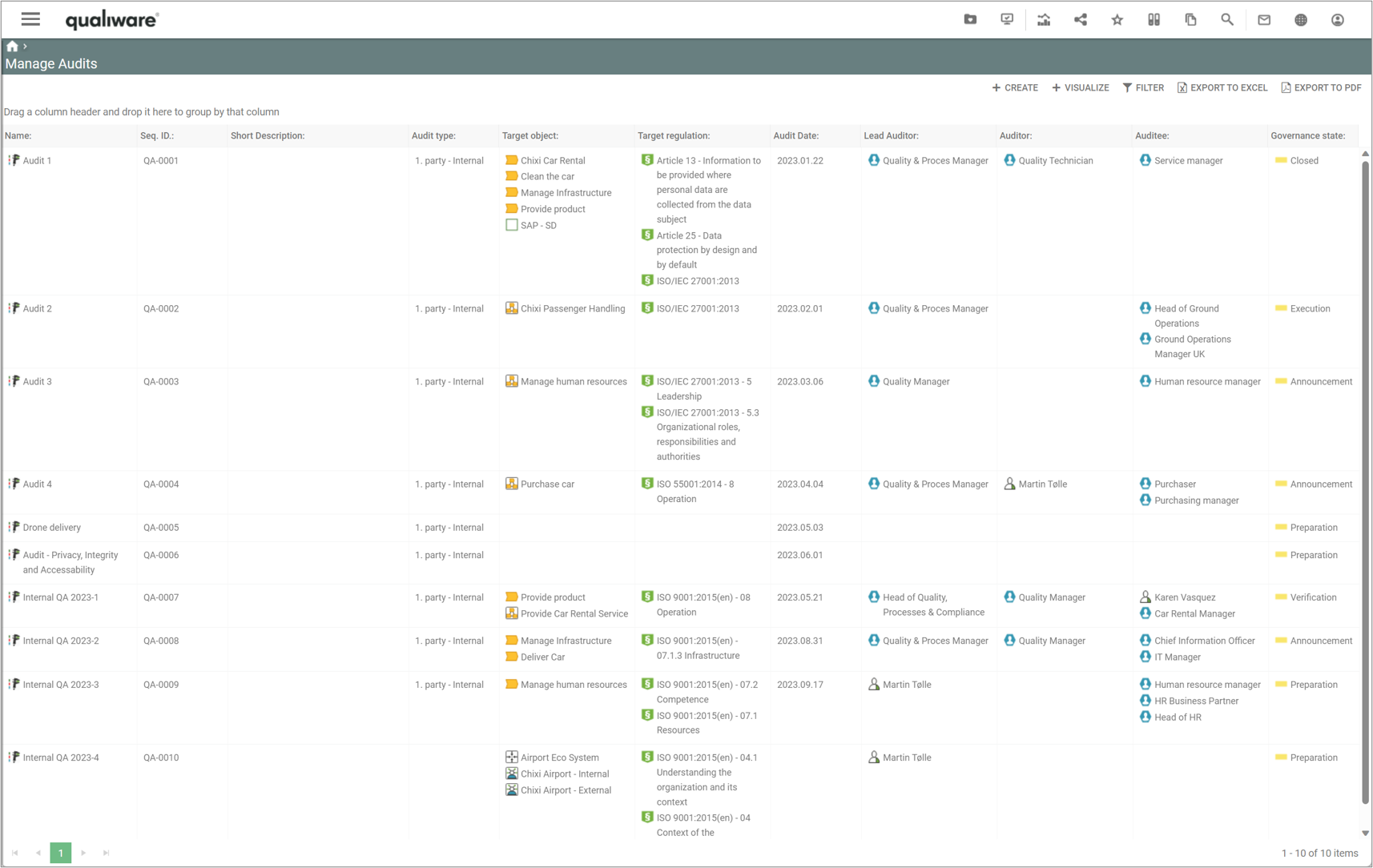
The query shows all audits in the repository, including their key properties. From this point, new audits can be created, and existing ones can be analyzed and edited.

The Manage Audits list is available from the tile on the Compliance Desktop.

  • Manage Audits Tile (standard Compliance Desktop in QualiWare (version 10.9 and earlier)).


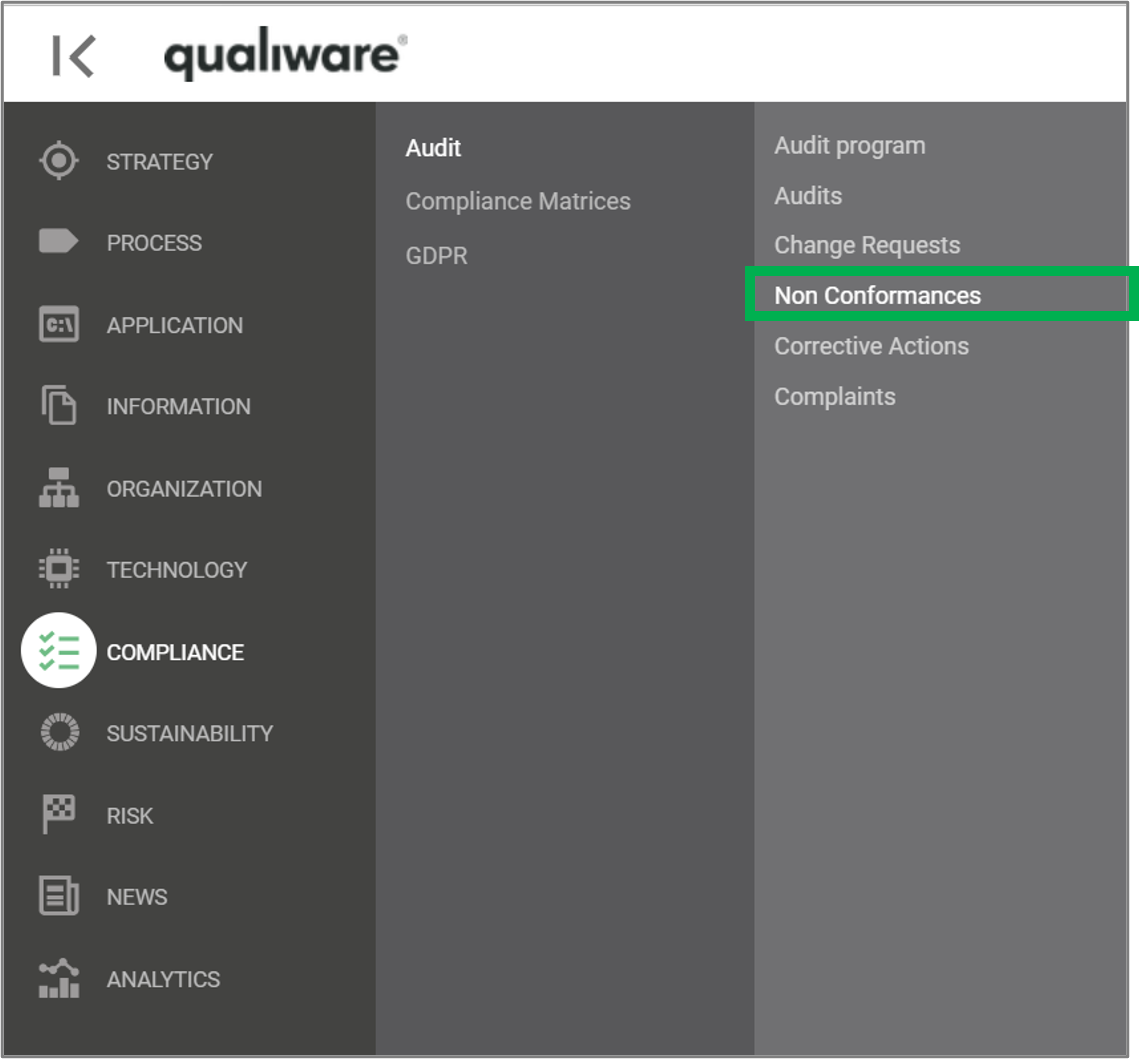
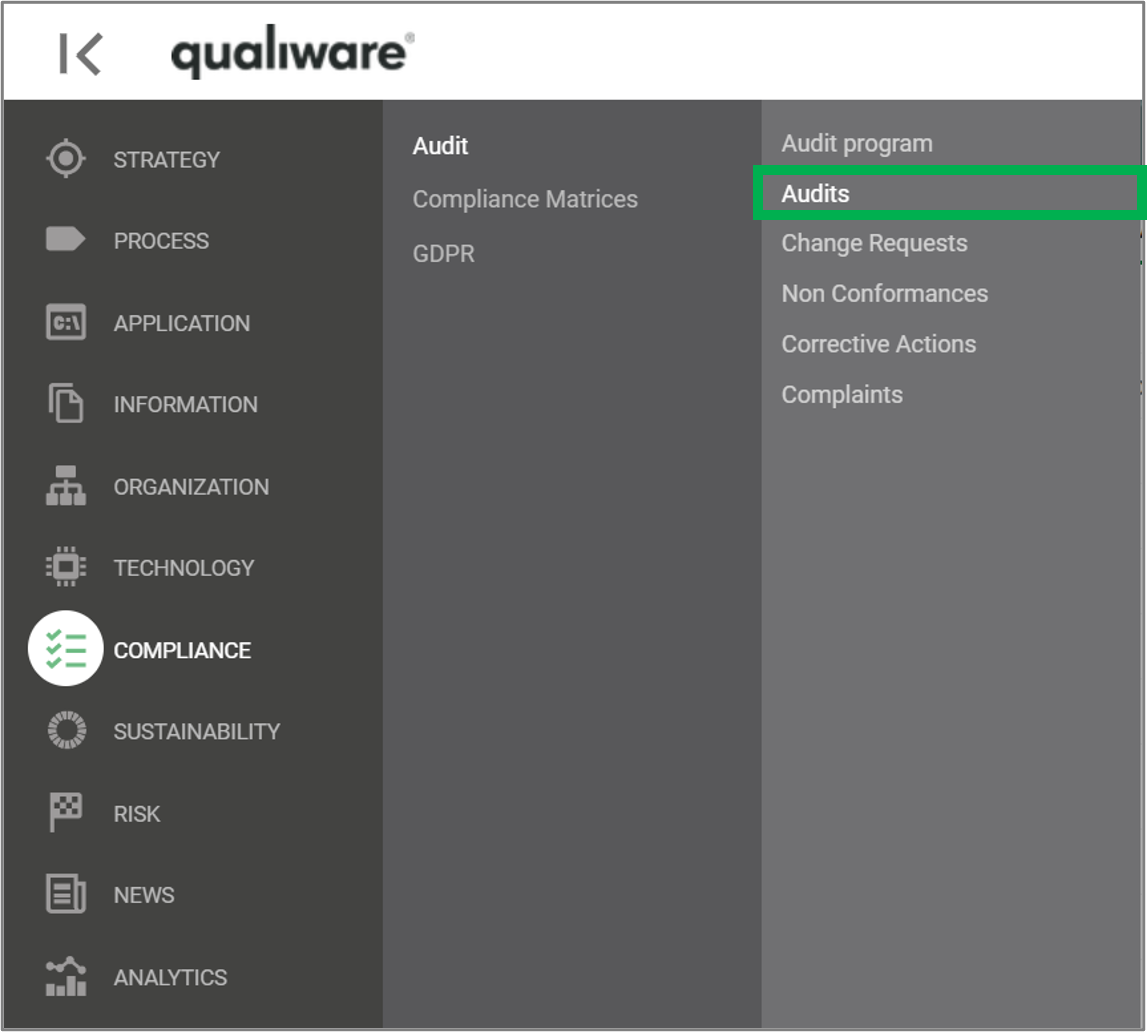
The list can also be accessed from the left-menu under Compliance.


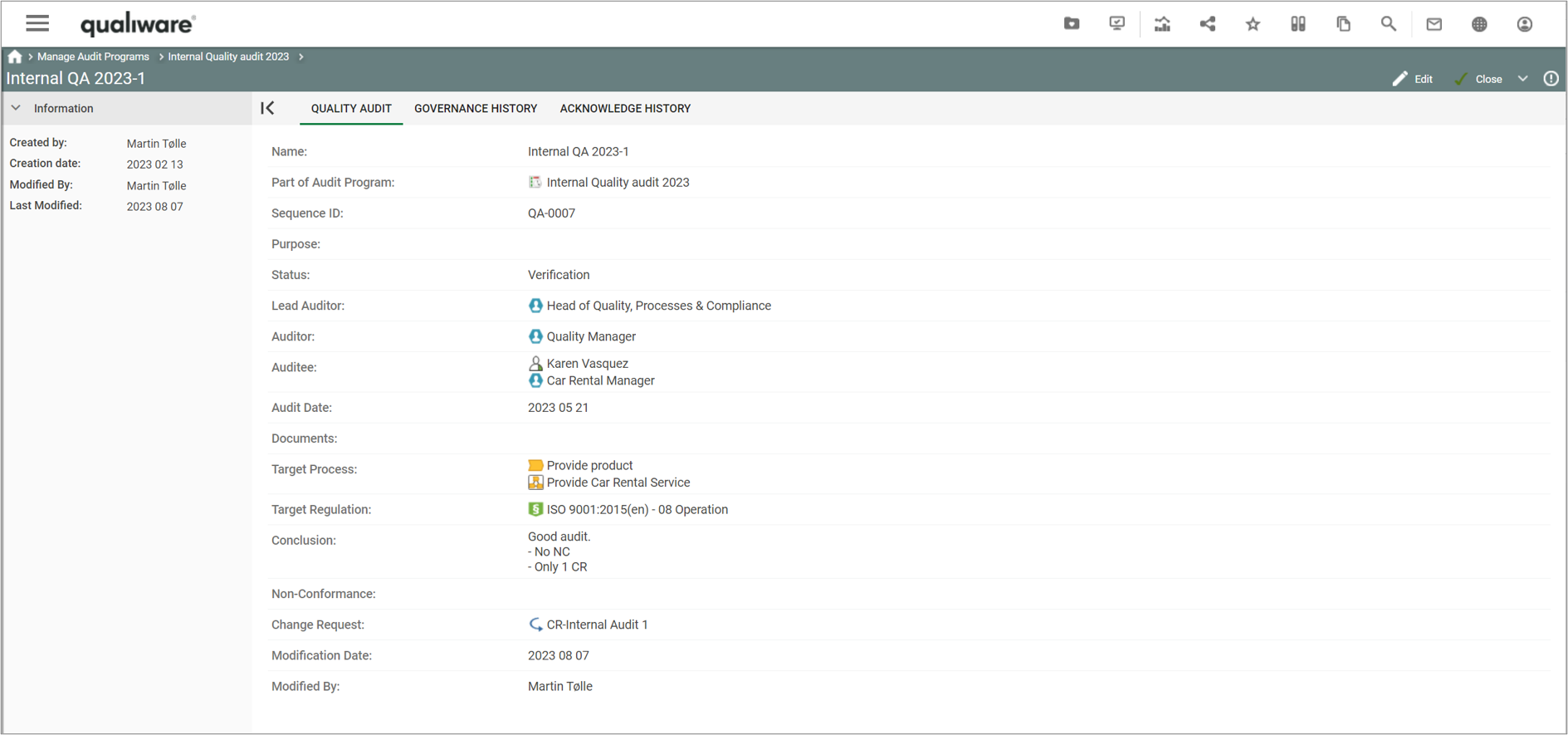
If you click an audit you get more details of each audit, based upon the QualityAudit-Template.

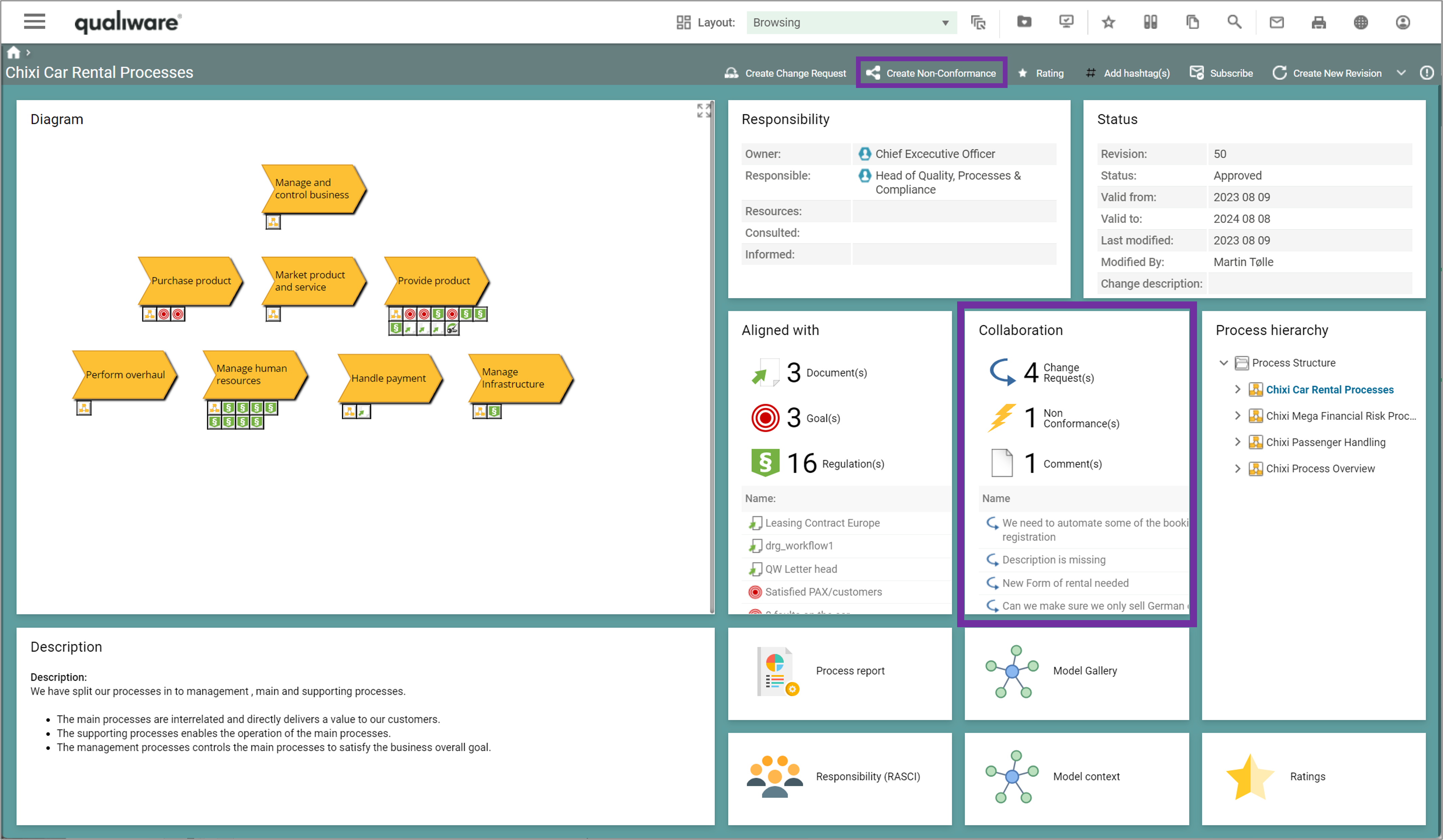
Below is the standard view, showing key properties of a specific audit, including which audit program it is part of, its status, participants (auditor(s) and auditee(s)), target processes and regulations, and associated findings (Non-Conformance(s) and Change Request(s)).

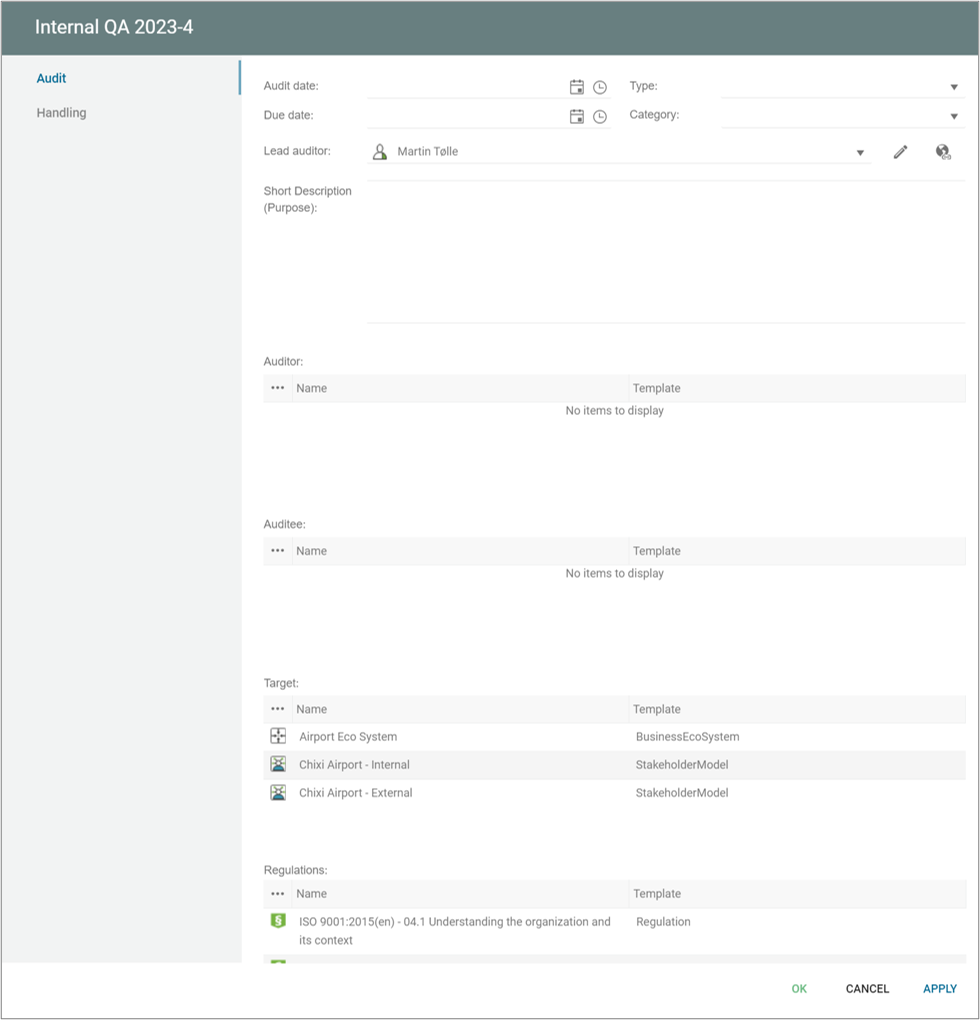
When you edit the audit you can add more details to the audit:

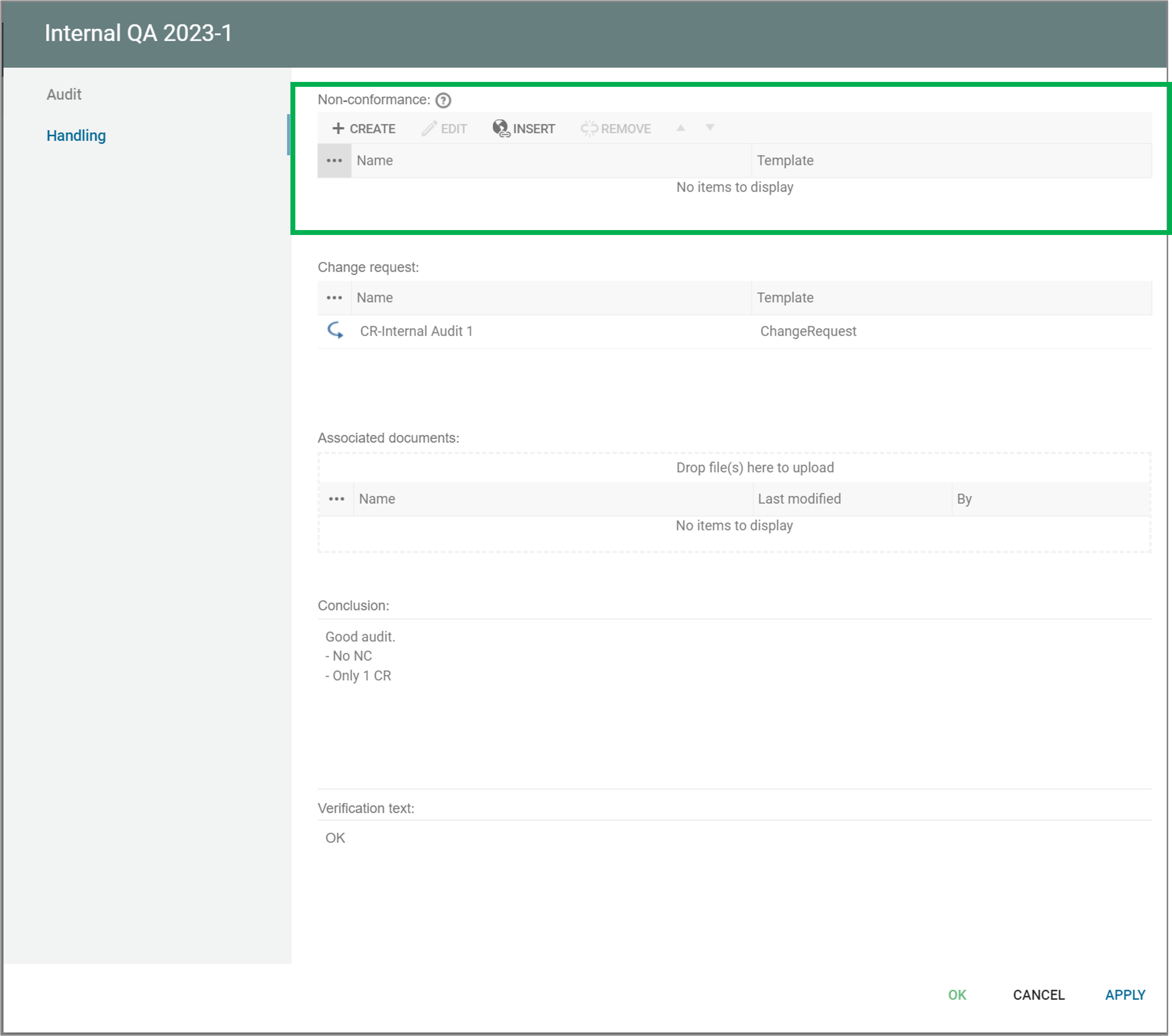
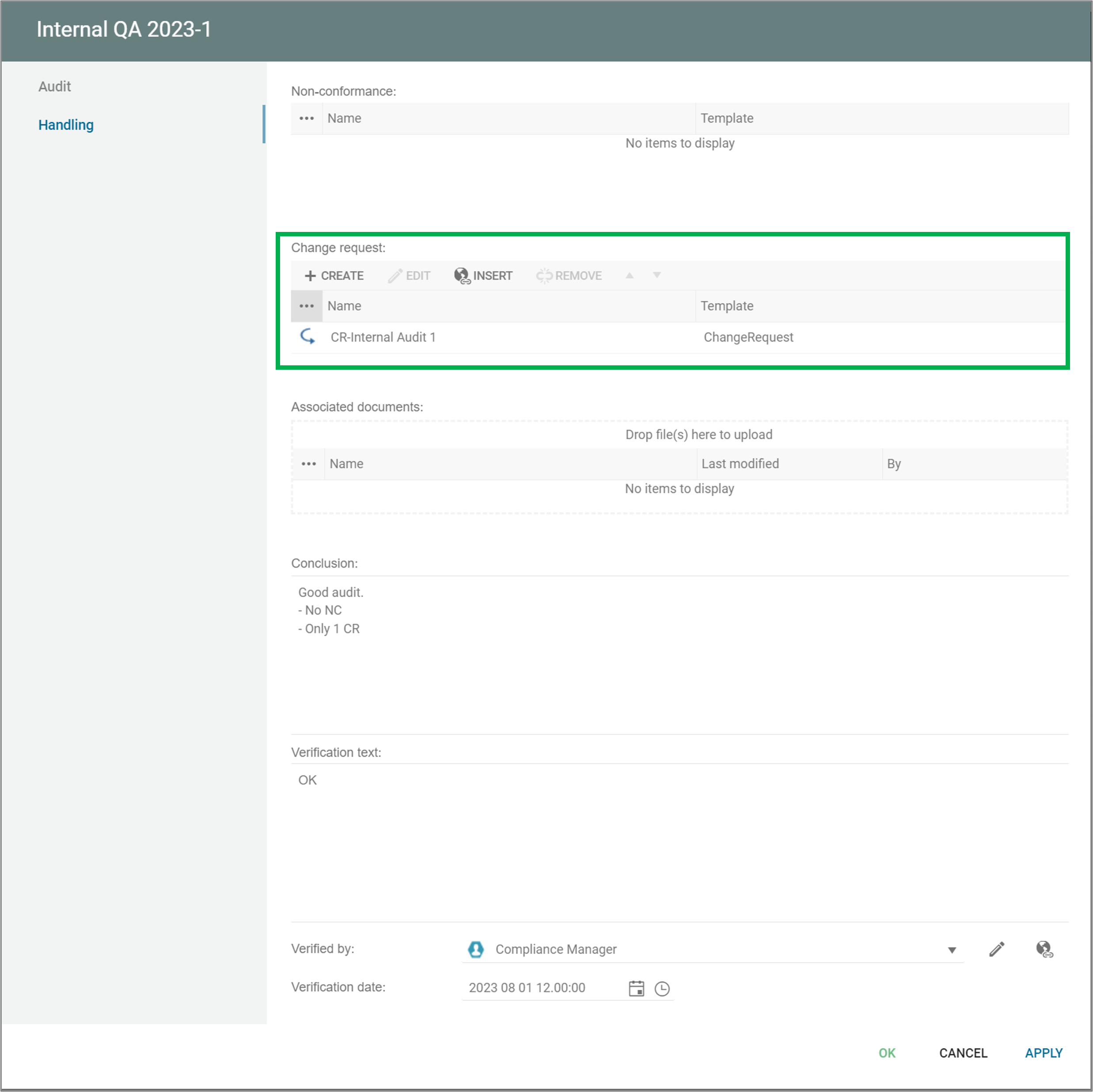
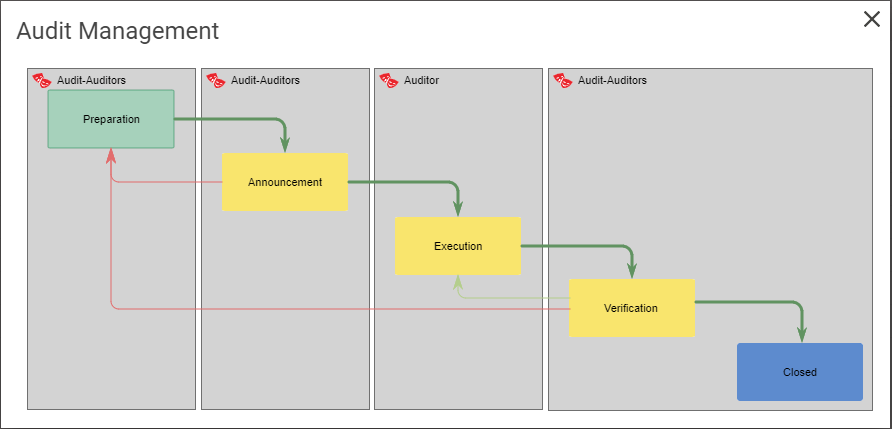
From this dialog you can add details to the audit including creating audit findings (Non-Conformance, Change-Requests) and progress the audit through the governance phases.

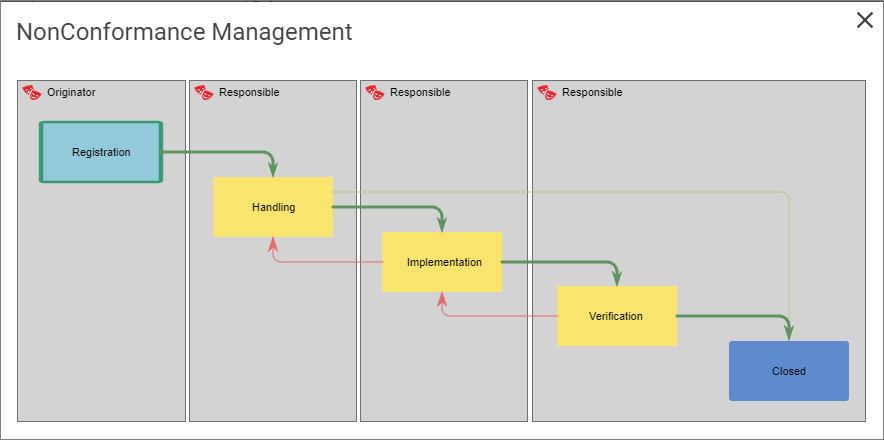
Above is the standard GovernanceWorkflow for audit management shown, this flow can be adjusted if needed, see the GovernanceWorkflow for more details.

An audit can be a part of an Audit-Program, see Manage Audit Programs for more details.

Manage Audit Programs


Audit programs are used to manage a set of audits in relation to a scope and a time frame (e.g. year 2023) to document compliance to a set of requirements or regulations, e.g. an ISO standard.

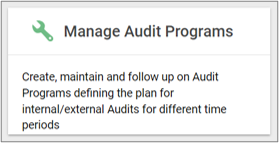
The Manage Audit Programs is available from the tile on the Compliance Desktop.

  • Manage Audit Program Tile (standard Compliance Desktop in QualiWare (version 10.9 and earlier)).


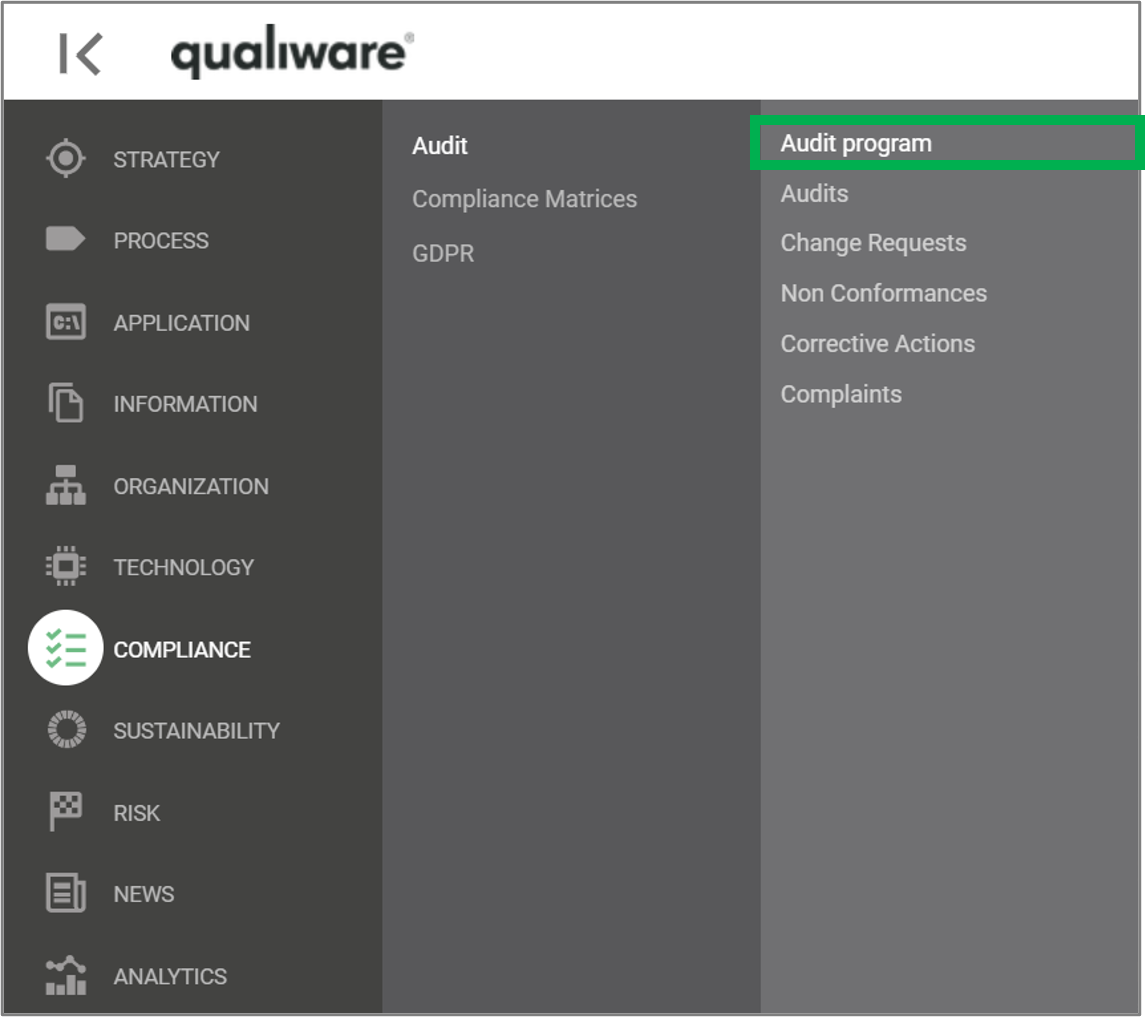
The list of Audit programs list can also be access from the left-menu under Compliance.


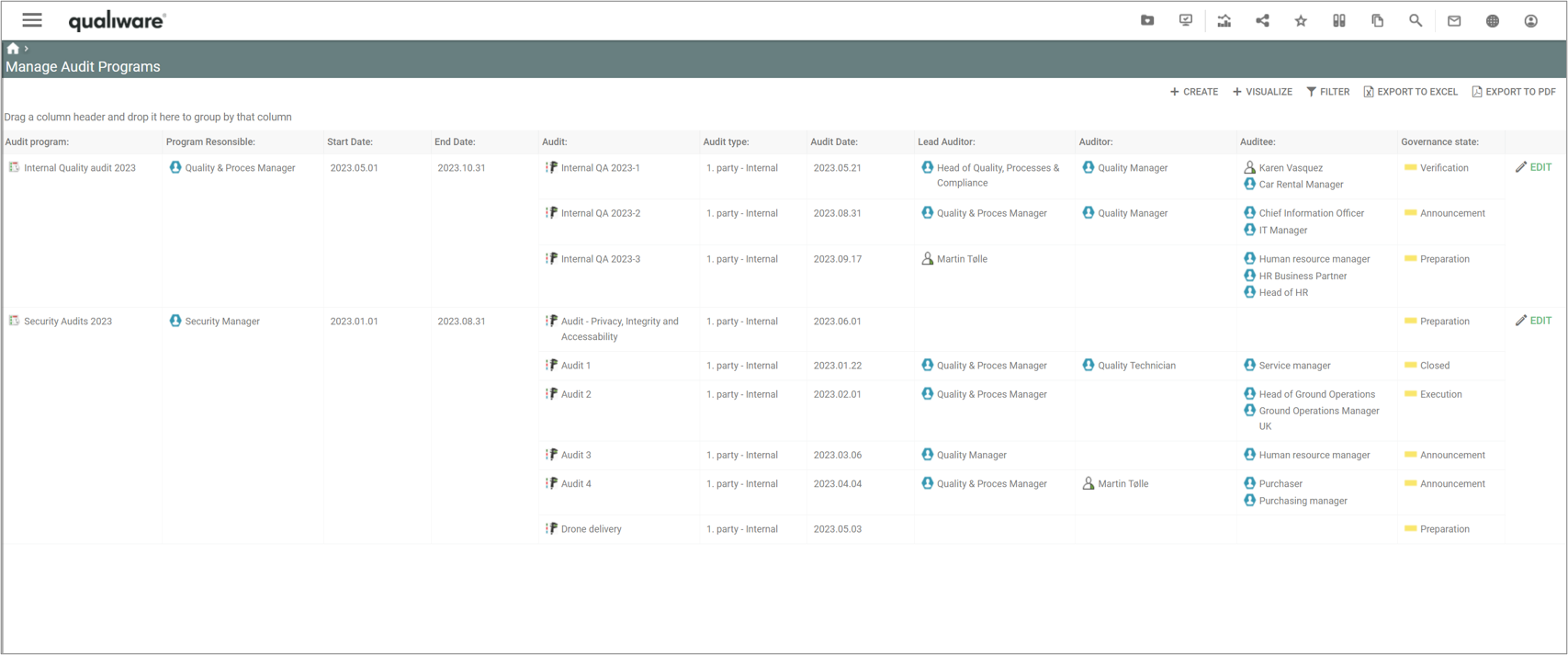
The query lists all audit programs in the repository, including the associated audits in each program including their key properties. From here new audit programs can be created and existing ones can be analysed and edited.
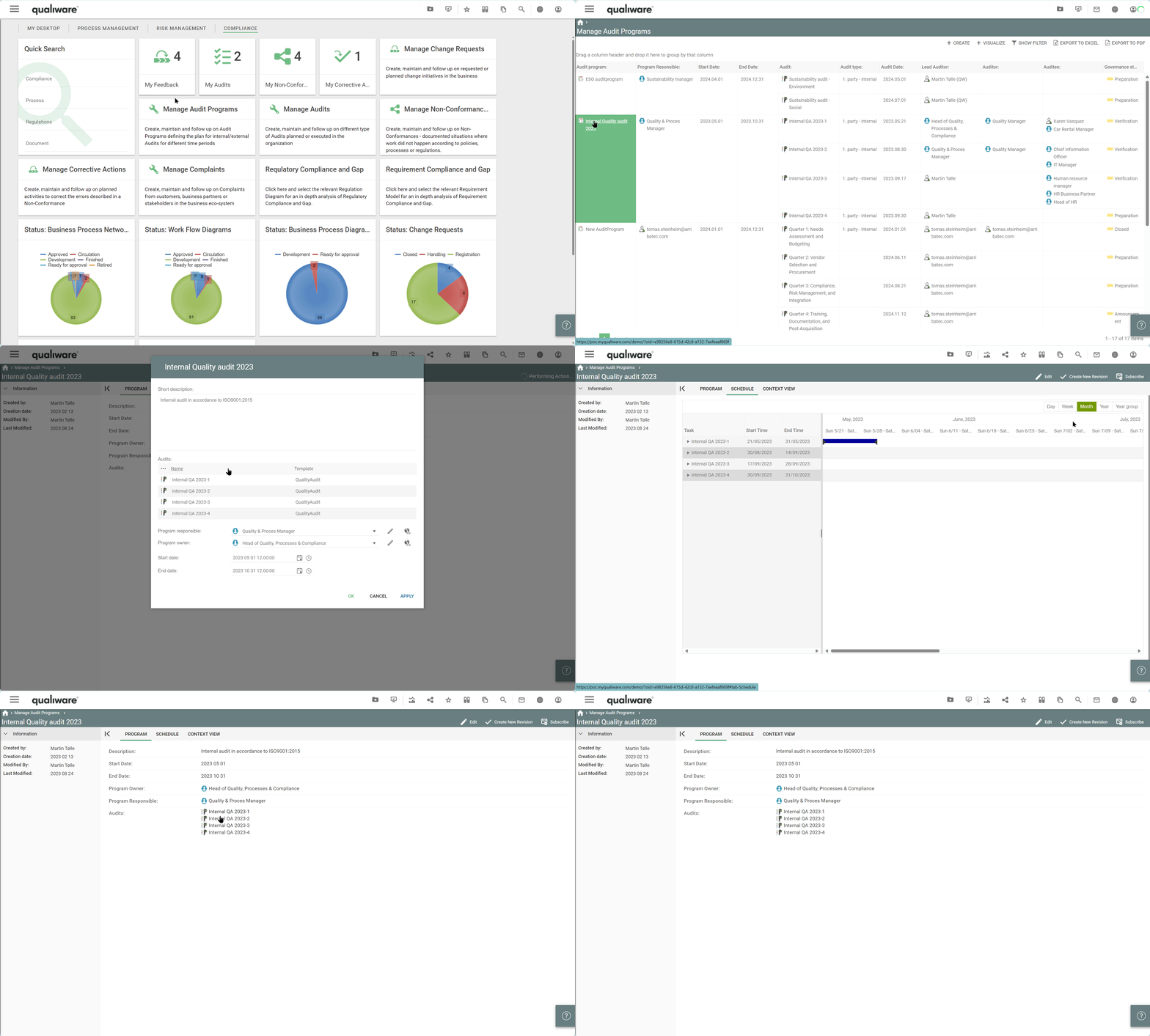
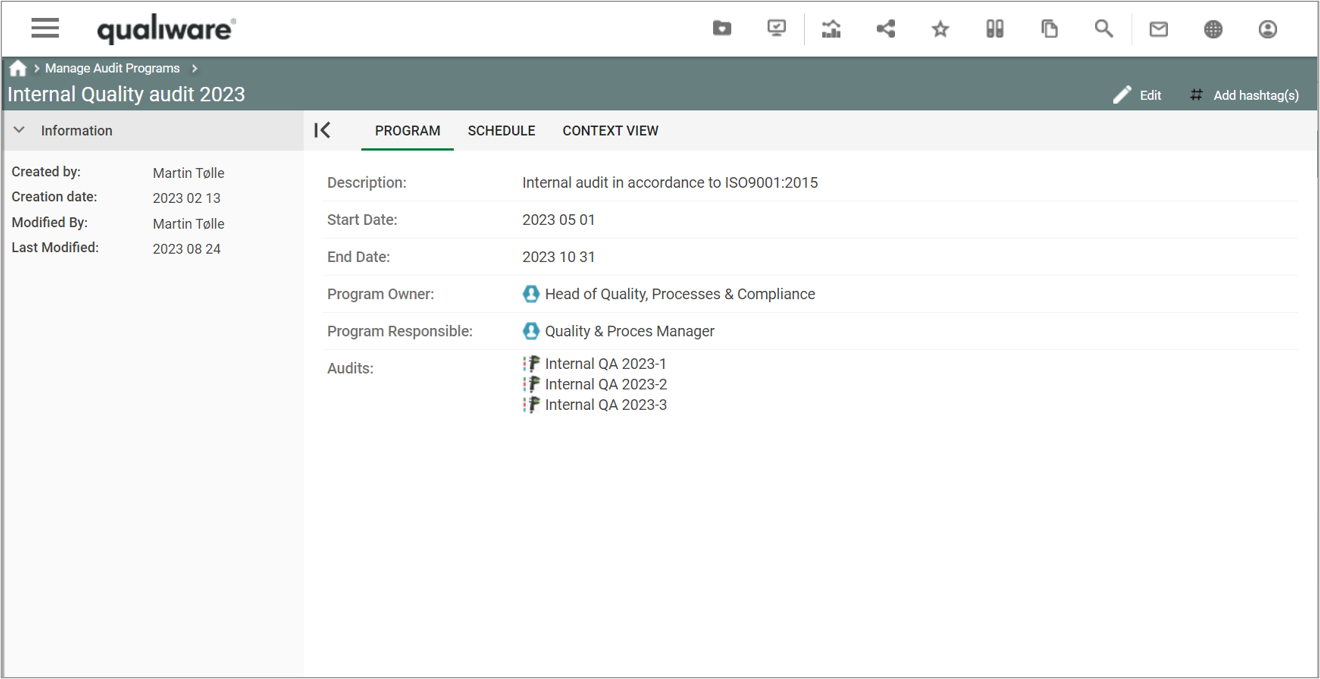
If you click the audit program you get more details of each program, based upon the AuditProgram-Template.

The standard view consits of an overview page

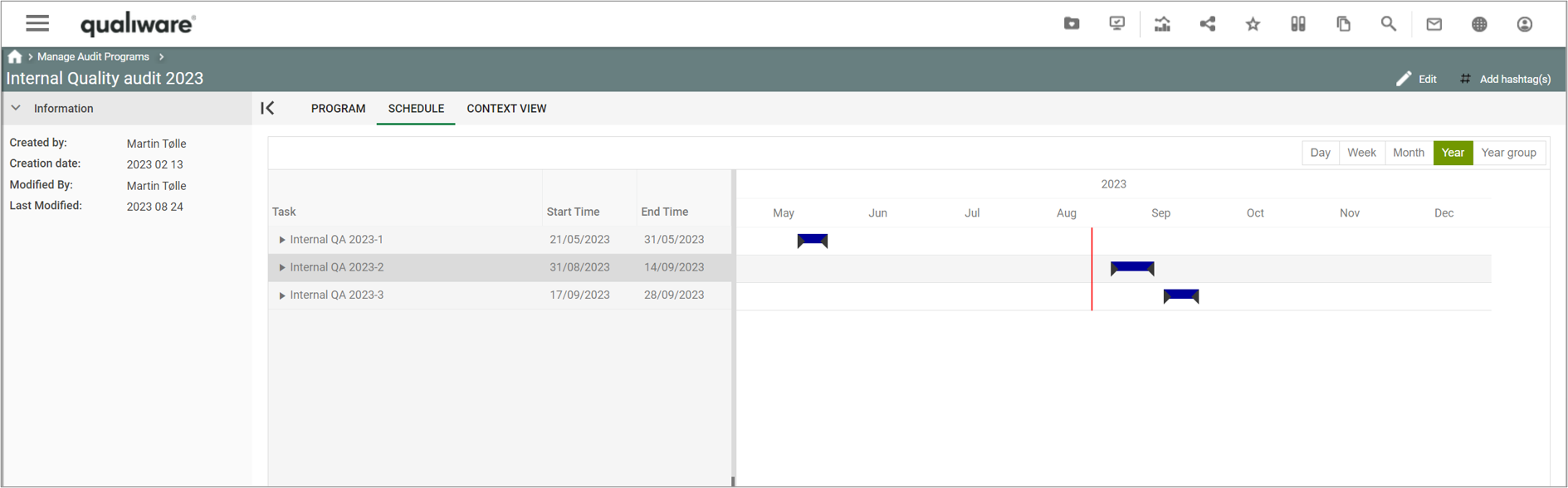
And a Gantt chart view of the schedule.

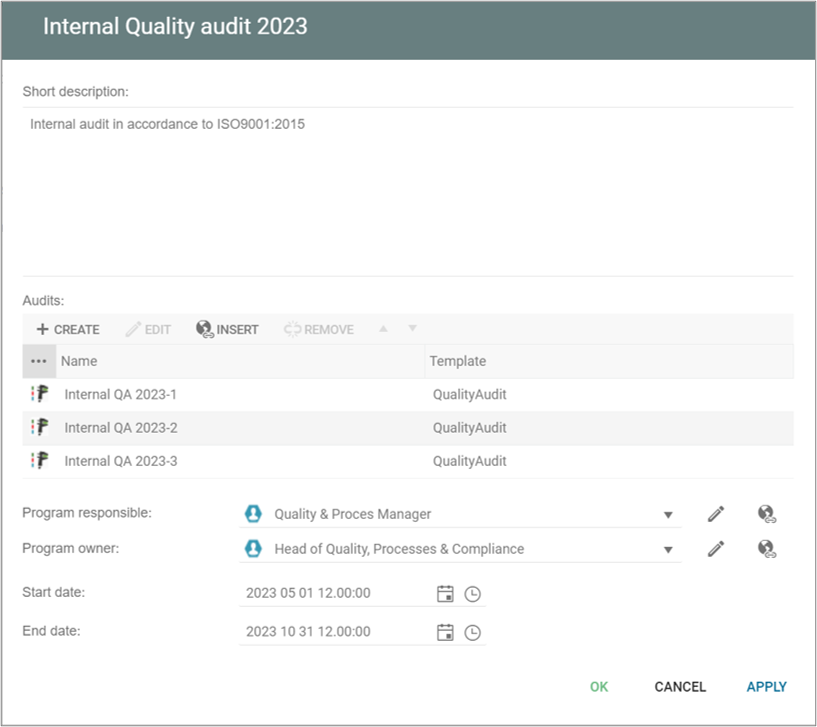
When you edit the auditprogram you can add more details to the program:

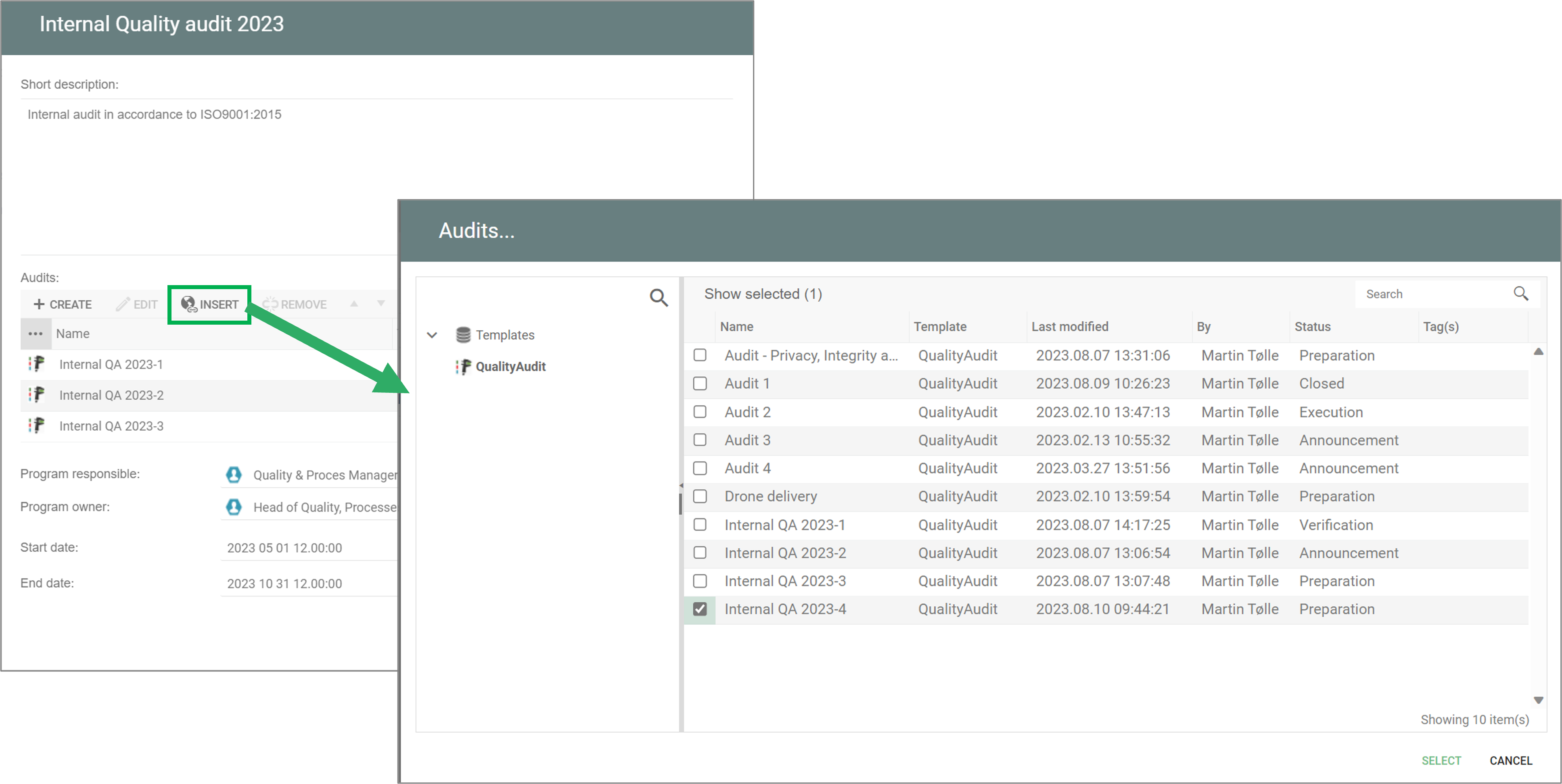
From this dialog you can create new audits or insert links to existing audits.

The individual audits are managed usign the QualityAudit-template, see Manage Audit.